
Chat Face

Chat Zalo

Phone

Office equipment, IT, telecom devices.
Technology development equipment
Industrial automation equipment
Components and accessories for electric vehicles
Measuring instruments
Home Appliances

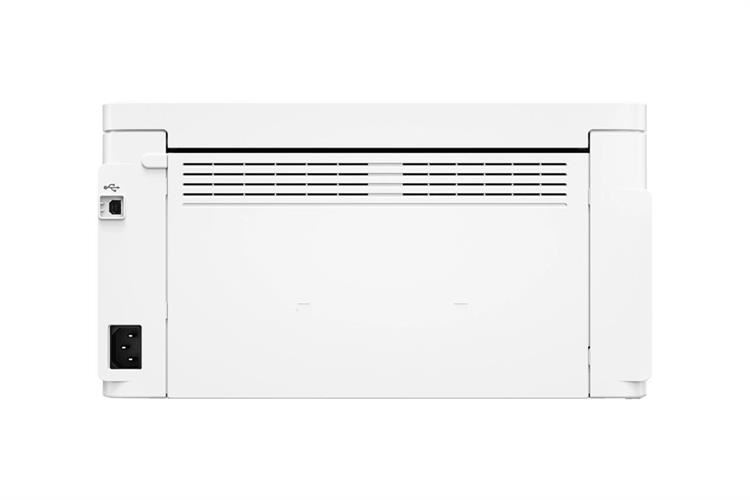

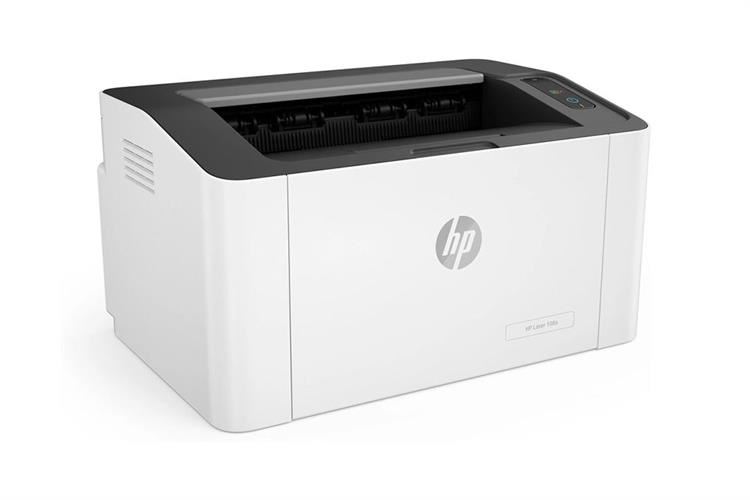


Ultra-compact design: One of HP’s smallest laser printers, ideal for personal workspaces or small offices with limited space.
Fast printing speed: Delivers up to 20 pages per minute (A4), ensuring efficient handling of everyday printing tasks.
Sharp print quality: HP laser printing technology produces clear, crisp text with high resolution for professional-looking documents.
Basic connectivity: Supports high-speed USB 2.0 for direct connection to a computer, ensuring stable and secure data transmission.
Easy operation: User-friendly design allows quick setup and simple, hassle-free use.
Cost-effective: Competitively priced, making it an economical choice for high-quality monochrome printing needs.
Genuine toner compatibility: Uses HP 107A toner cartridge, offering reliable print quality and easy replacement.
Contact support for detailed quote: Hotline: 0386365636 - Mr.Sơn
Buy at Vina Connect Showroom See directions
HP Laser 108a Printer (4ZB79A) is a monochrome laser printer designed with a compact form factor, making it ideal for small to medium-sized offices. With a printing speed of up to 20 pages per minute, it delivers fast and convenient printing performance while keeping investment and operating costs low.
The HP Laser 108a features a print resolution of up to 1200 × 1200 dpi, producing sharp, dark, and professional-quality prints. It also allows users to track print volume efficiently with built-in print measurement technology.
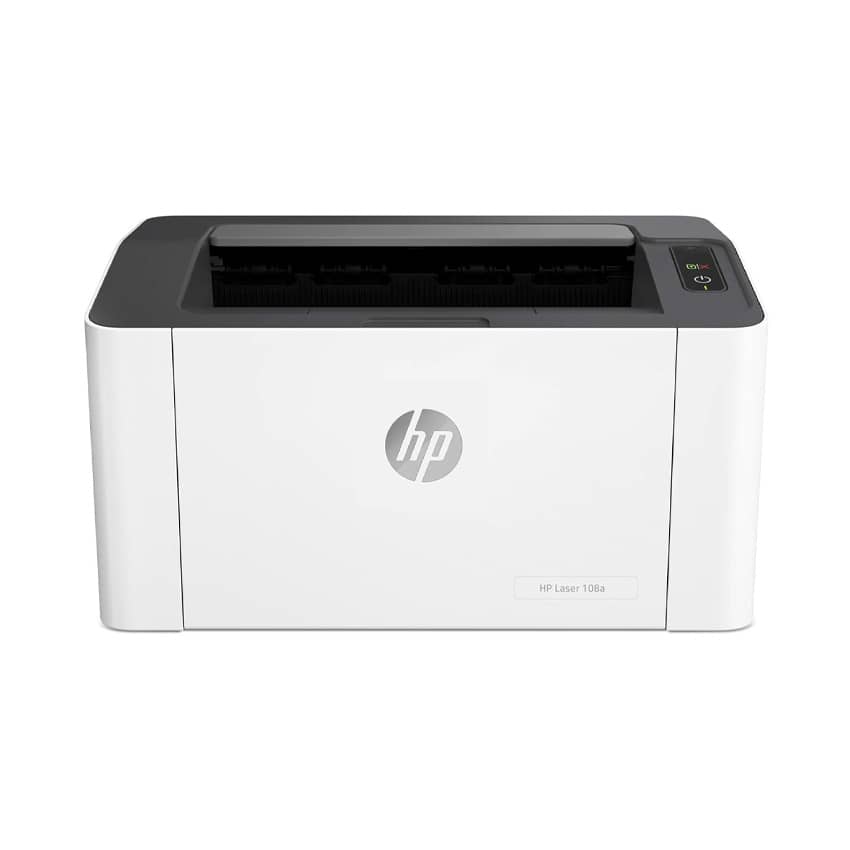
The HP Laser 108a requires only 8.3 seconds to print the first page and supports high-speed printing of up to 20 A4 pages per minute, ensuring productivity even with its compact size.
With a resolution of 1200 × 1200 dpi, the HP 108a delivers crisp text, deep blacks, and precise graphic details for high-quality documents.
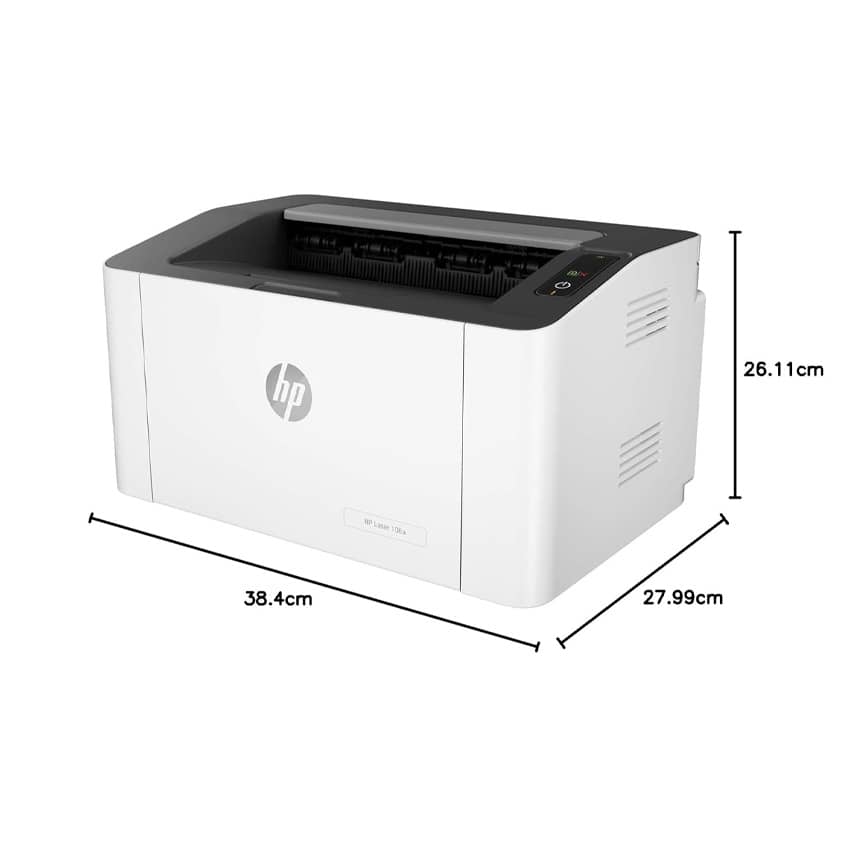
The HP Laser 108a (4ZB79A) is environmentally friendly and easy to use, featuring low power consumption and energy-saving functionality. The printer automatically switches to sleep mode when idle, yet remains ready to receive data and print instantly when needed.
| Specification | Details |
|---|---|
| Model | HP 108a (4ZB79A) |
| Printer Type | Monochrome Single-Function Laser Printer |
| Functions | |
| Print Speed | Up to 20 pages per minute (A4) |
| Print Resolution | Up to 1200 × 1200 dpi |
| Connectivity | High-speed USB 2.0 |
| Supported Paper Sizes | A4, A5, B5, Letter, Legal, etc. |
| Paper Tray Capacity | Input: 150 sheets / Output: 100 sheets |
| Compatible Toner Cartridge | HP 107A Laser Toner |
| Memory | 64 MB |
| Dimensions (W × D × H) | 331 × 215 × 178 mm |
| Weight | 4.18 kg |
| Power Consumption | Approx. 320 W (printing), 0.8 W (standby) |
| Supported Operating Systems | Windows, macOS |
| Power Supply | 220–240V, 50/60Hz |
| Maximum Monthly Duty Cycle | Up to 10,000 pages |
| First Page Out Time | Approx. 8.3 seconds |
| Print Technology | ReCP (Rendering Engine for Clean Page) |
a. Installation and Connection
Physical connection: Plug the power cable into the printer and turn it on. Connect the printer to the computer using the included USB 2.0 cable.
Driver installation: Download the printer driver from the official HP website or use the provided driver disc. Run the installation file and follow the on-screen instructions.
Toner installation: Open the printer cover, insert the new toner cartridge into the correct position, then close the cover securely.
b. Basic Operation
Printing from a computer: Once the driver is successfully installed, you can print documents from any application by selecting HP 108a as the printer.
Paper tray: Load paper into the input tray and adjust the paper guides to fit the paper size properly.
c. Storage and Maintenance
Printer placement: Place the printer on a flat, dry, and well-ventilated surface.
Use genuine toner: Always use original HP toner cartridges to ensure optimal print quality and extend the printer’s lifespan.
Regular cleaning: Periodically clean the exterior of the printer with a soft, dry cloth.
We will contact and send a quote based on the information you provide!






.webp)