
Chat Face

Chat Zalo

Phone

Office equipment, IT, telecom devices.
Technology development equipment
Industrial automation equipment
Components and accessories for electric vehicles
Measuring instruments
Home Appliances


Contact support for detailed quote: Hotline: 0386365636 - Mr.Sơn
Buy at Vina Connect Showroom See directions
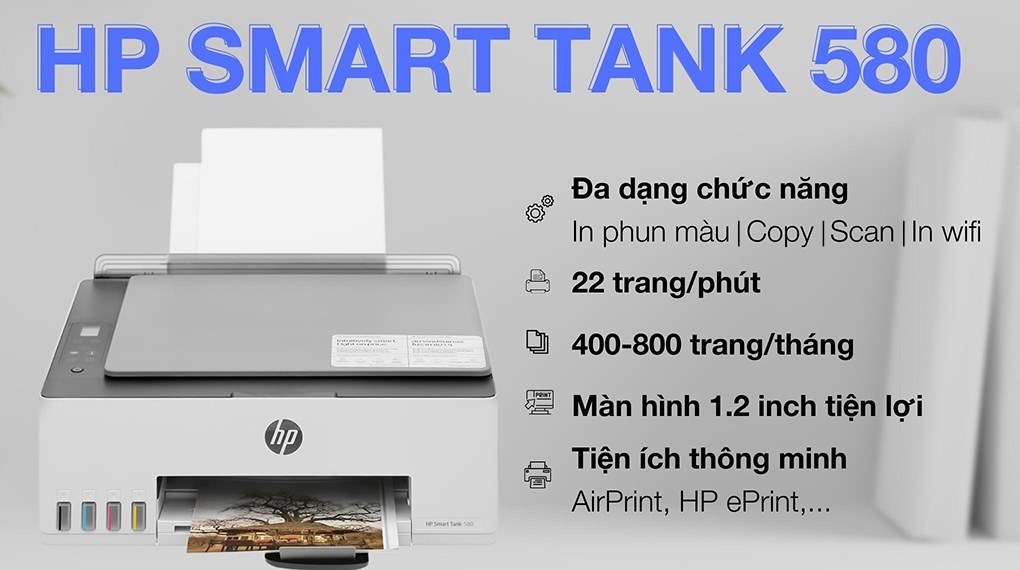
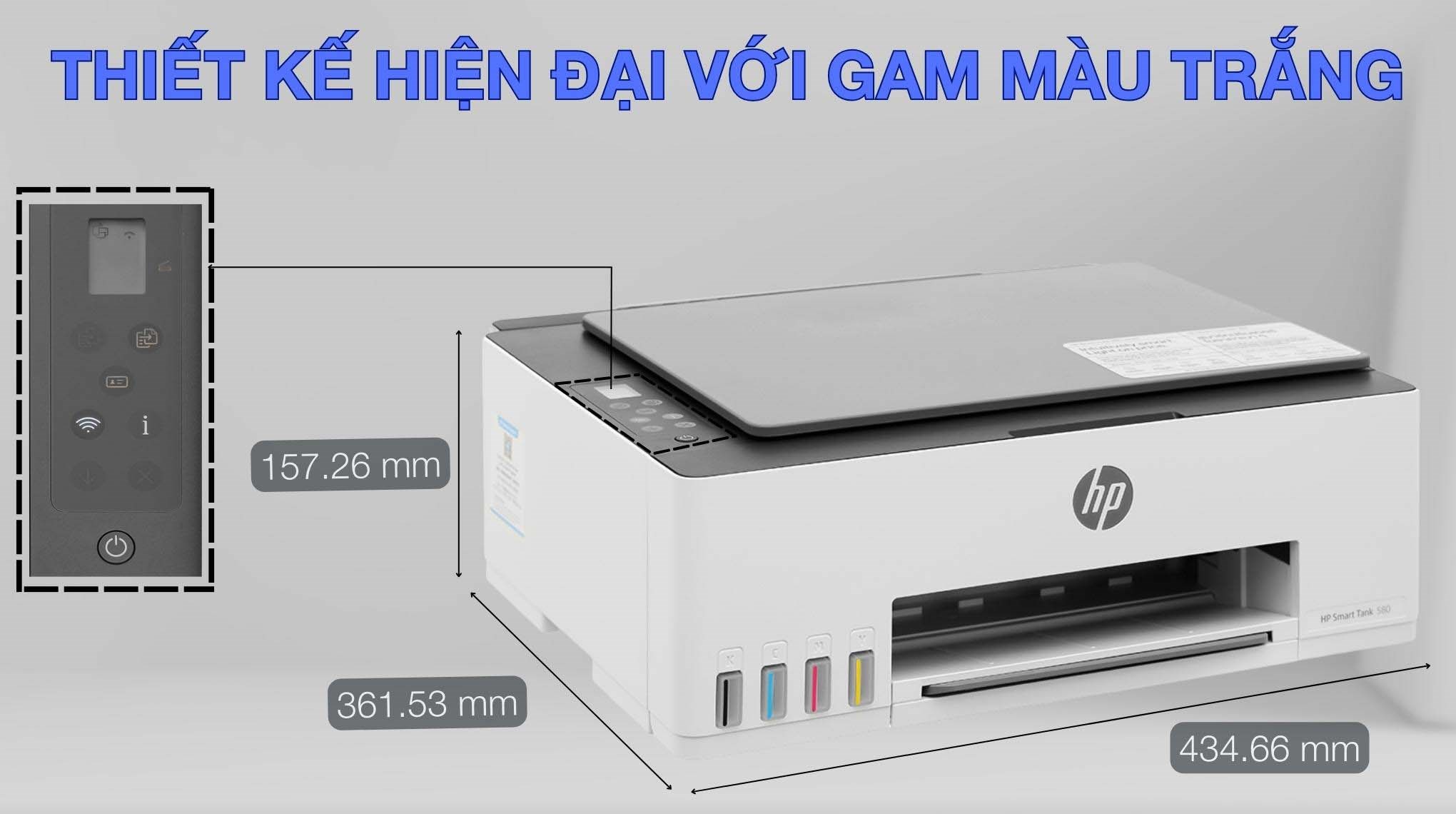
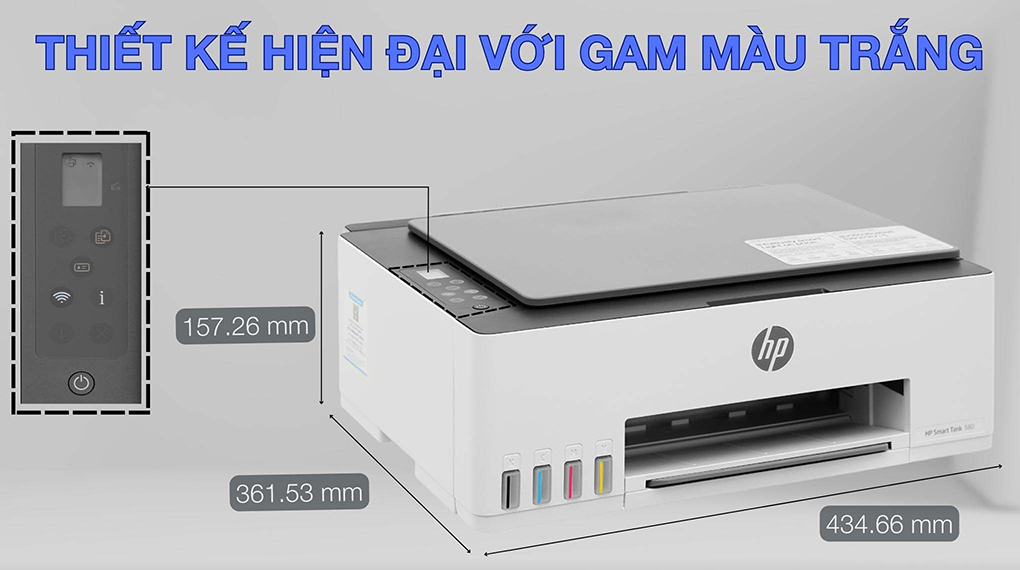
The HP printer features a refined design with an elegant white finish. Its compact form factor measures 580.65 mm in length, 434.66 mm in width, and 259.37 mm in height, with a weight of 5.03 kg, making it a stylish addition to any workspace. Printing operations are easy to perform thanks to clearly labeled control buttons and a 1.2-inch display.
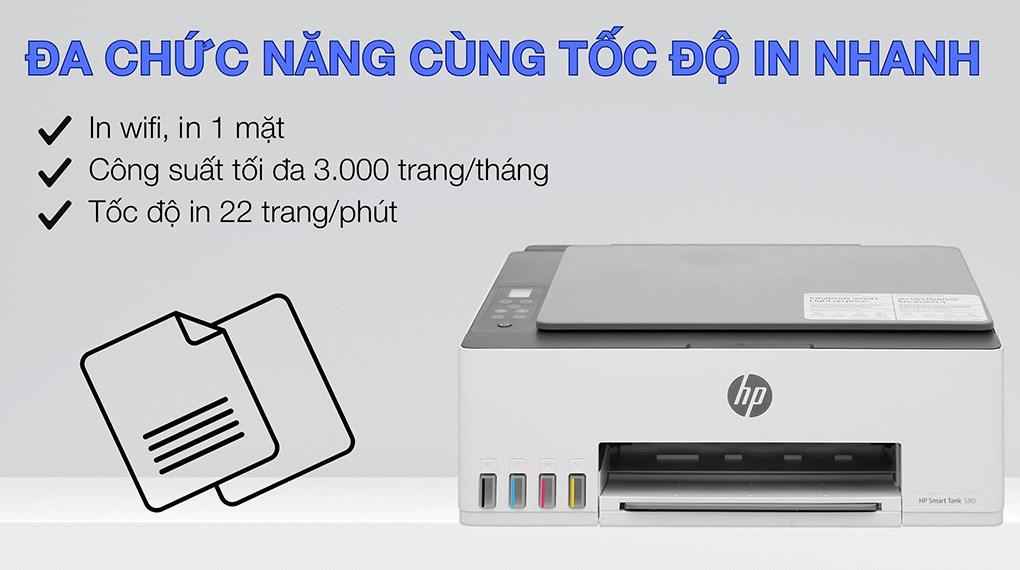
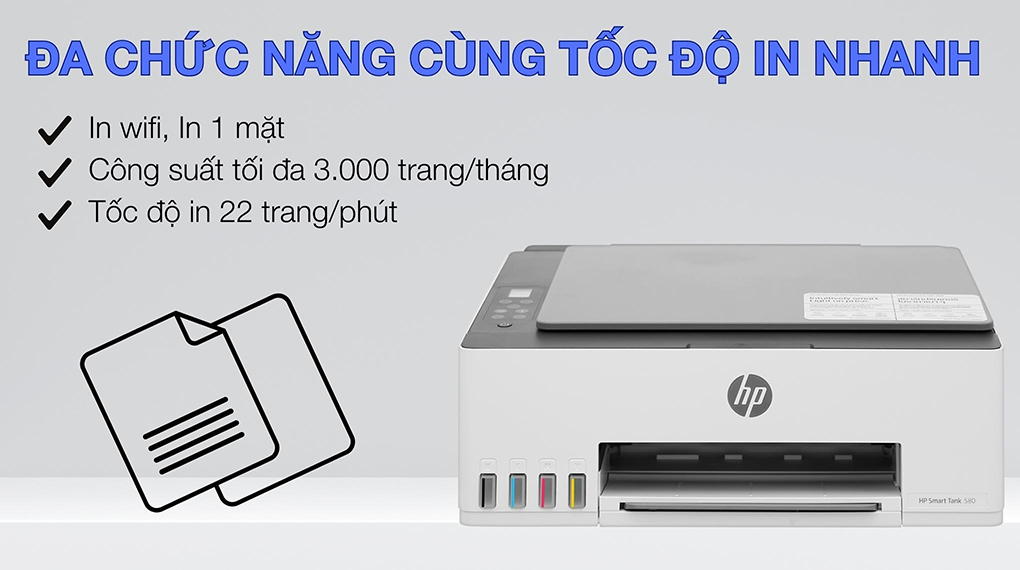
The printer delivers black-and-white print speeds of up to 22 pages per minute and color print speeds of up to 16 pages per minute. The first page is printed in as fast as 14 seconds for black-and-white documents and 21 seconds for color. With a recommended monthly duty cycle of 400–800 pages and a maximum capacity of up to 3,000 pages per month, it is ideal for home use or basic office printing needs.
To ensure durability and optimal performance, regular use of the inkjet printer is essential. Printing at least once a week helps keep the ink flowing smoothly and prevents printhead clogging—a common cause of streaking, fading, or smudging that can affect print quality and printer lifespan. In addition, keeping the printer powered on allows the printhead to remain ready for operation, ensuring consistent print quality without significant energy consumption.
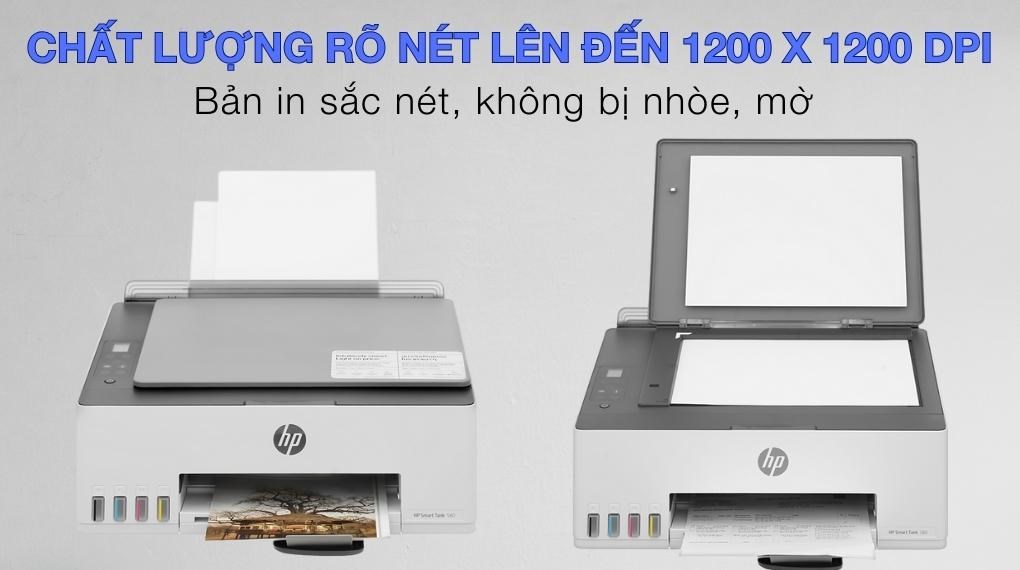
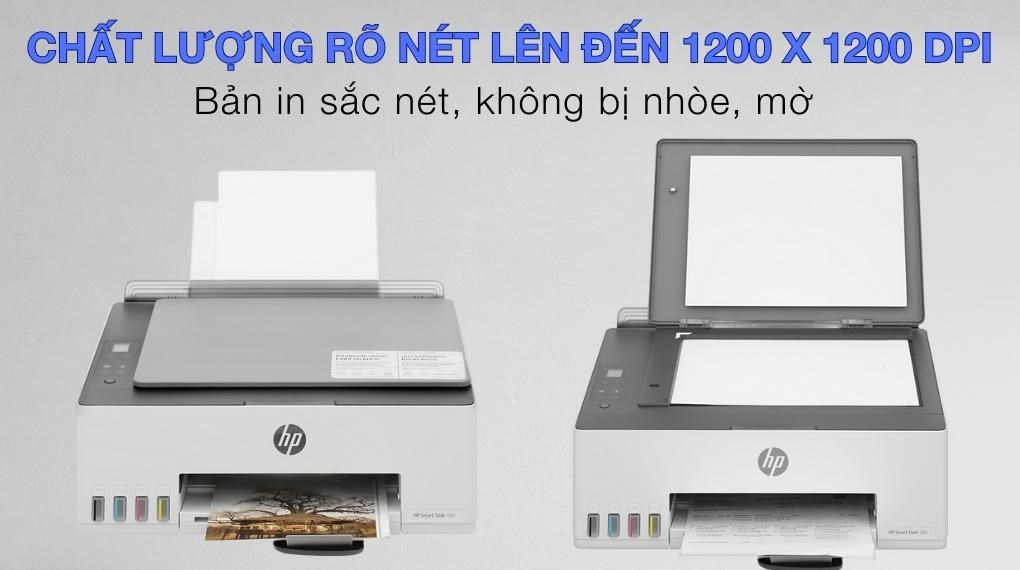
Equipped with modern technology, the printer produces sharp prints with vivid, true-to-life colors at resolutions of up to 1200 × 1200 dpi for black-and-white printing and up to 4800 × 1200 dpi for color printing. It also supports high-quality scanning and copying, enhancing document quality and work efficiency.
The input tray holds up to 100 sheets, while the output tray accommodates 30 printed pages. The printer supports a variety of paper sizes such as A4, DL, Legal, A6, and B5, as well as multiple paper types including plain paper, matte brochure paper, and glossy brochure paper, offering excellent versatility to meet diverse user needs.
This color inkjet printer is compatible with multiple operating systems, including Android, iOS, Windows 7, 10, and 11, macOS 10.15 Catalina, macOS 11 Big Sur, and macOS 12 Monterey, allowing seamless connection with most modern electronic devices.

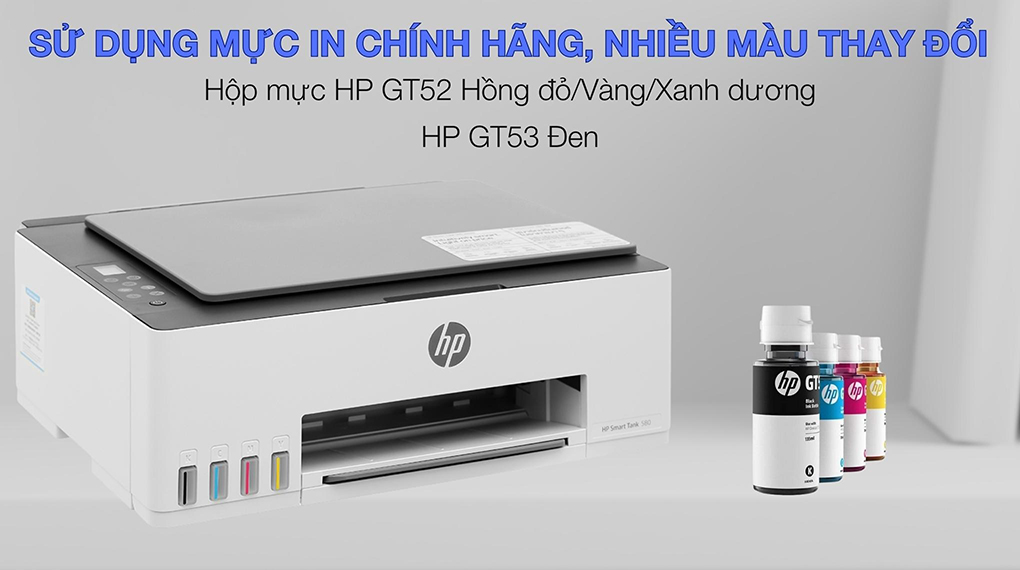
The printer uses genuine HP ink bottles: HP GT53 Black, HP GT52 Cyan, HP GT52 Magenta, and HP GT52 Yellow, ensuring easy replacement and extended printer lifespan. These inks typically provide yields of up to 6,000 pages for black-and-white printing and up to 8,000 pages for color printing.
Additionally, the printer supports smart printing through integrated modern technologies such as Apple AirPrint, HP ePrint, Google Cloud Print 2.0, and Wi-Fi Direct. These features allow users to print from virtually anywhere without worrying about distance, saving time and improving productivity.
The HP Smart Tank 580 Wireless All-in-One Color Inkjet Printer (1F3Y2A) delivers an outstanding printing solution with excellent performance, high-quality color output, user convenience, and broad device compatibility.
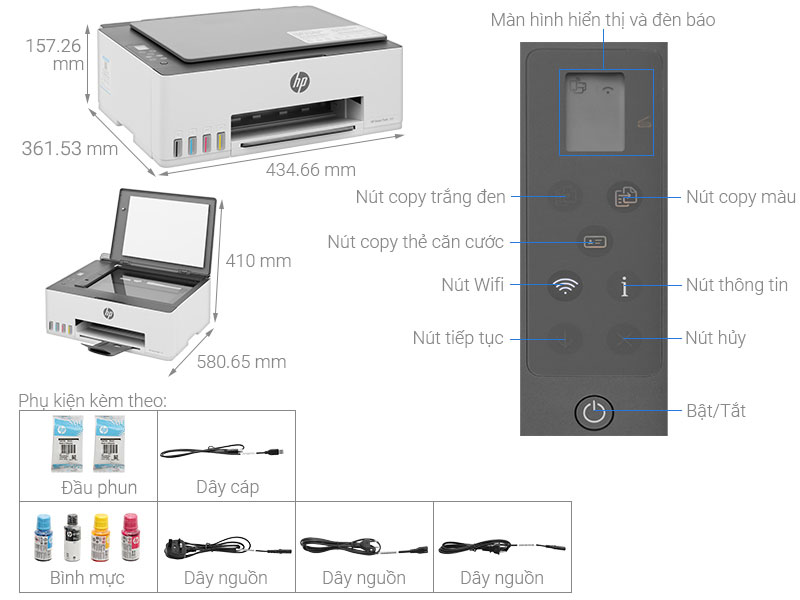
| Specification | Details |
|---|---|
| Model | HP Smart Tank 580 (1F3Y2A) |
| Printer type | All-in-One Color Inkjet Printer |
| Functions | Print, Copy, Scan |
| Print speed | Black: 12 pages/minute (ISO) Color: 5 pages/minute (ISO) |
| Print resolution | Black: Up to 1200 x 1200 dpi Color: Up to 4800 x 1200 dpi |
| Maximum paper size | A4, B5, A6, Letter, Legal, Envelope |
| Paper tray | Input tray: 100 sheets Output tray: 30 sheets |
| Ink system | Continuous Ink System (Smart Tank) |
| Compatible ink | HP GT53 (Black), HP GT52 (Color) |
| Print/Copy/Scan capability | Manual duplex printing |
| Connectivity | High-speed USB 2.0 Wi-Fi 802.11b/g/n Wi-Fi Direct |
| Compatible operating systems | Windows, macOS, Android, iOS |
| Dimensions (W × D × H) | 434.66 × 361.53 × 157.26 mm |
| Weight | 5.03 kg |
| Power consumption | Approx. 0.1 W (Off) 1.1 W (Sleep mode) |
| Scan resolution | Up to 1200 dpi |
| Copy speed | Black: 10 copies/minute Color: 2 copies/minute |
| Maximum duty cycle | Up to 3,000 pages/month |
| First page out time | Approx. 15 seconds (black and white) |
Ink filling: Open the ink tank covers and pour ink from the included genuine HP ink bottles into the corresponding tanks (Black, Cyan, Magenta, Yellow). The anti-spill cap design helps keep the process clean.
Setup: Plug in the power cord and turn on the printer. Download the HP Smart app to your phone or computer.
Wi-Fi connection: Use the HP Smart app to find and connect the printer to the Wi-Fi network following the detailed on-screen instructions.
Printing from computer/phone: Send print jobs via the HP Smart app or through Wi-Fi Direct/AirPrint connection.
Copying: Place the document on the scanner glass, select the number of copies, and press the corresponding Copy button (Black or Color).
Scanning: Place the document on the scanner glass, use the HP Smart app on your phone or computer to scan and save the file.
Printer placement: Place the printer in a dry, well-ventilated, and level location.
Use genuine ink: Use only genuine HP ink to ensure print quality and printhead lifespan.
Run printhead cleaning: Periodically use the printhead cleaning function via the HP Smart app to prevent ink clogging.
We will contact and send a quote based on the information you provide!






.webp)