
Chat Face

Chat Zalo

Phone

Office equipment, IT, telecom devices.
Technology development equipment
Industrial automation equipment
Components and accessories for electric vehicles
Measuring instruments
Home Appliances
.jpg)


Contact support for detailed quote: Hotline: 0386365636 - Mr.Sơn
Buy at Vina Connect Showroom See directions
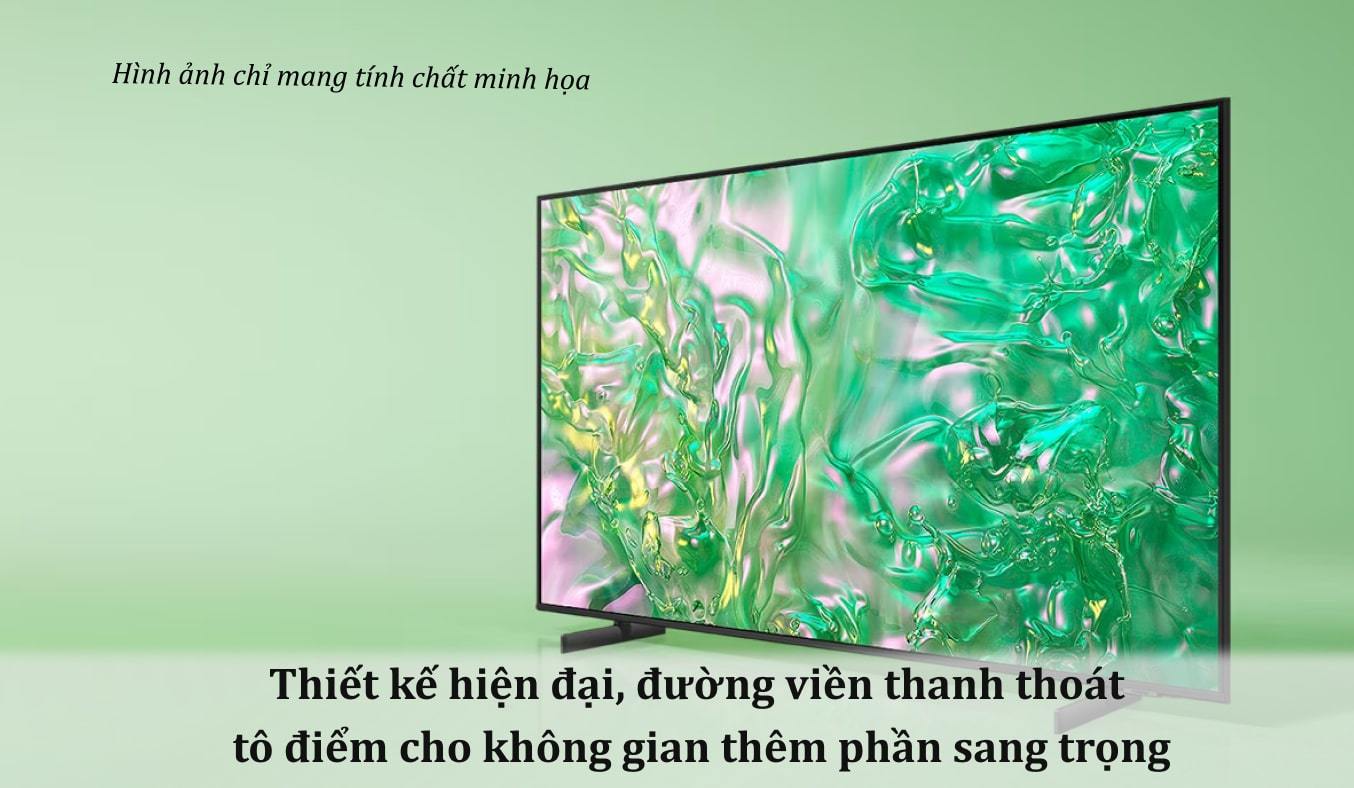
A modern design masterpiece enhances your space with elegance
The Samsung 4K 65-inch Crystal Smart TV UA65DU8000KXXV features a modern design that captures every gaze with a slim screen, slender bezel, and sturdy stand to keep the TV balanced on any surface. The large 65-inch screen expands the viewing area, offering a more immersive experience, suitable for medium to large spaces such as living rooms or meeting rooms.
Upgrade images to 4K for sharp, vivid visuals
The Samsung 4K UA65DU8000KXXV delivers 4K resolution, providing images four times sharper than standard Full HD TVs. In addition, the 4K picture enhancement technology allows you to fully enjoy your favorite content in crisp, detailed quality.
Motion Xcelerator for smooth, clear motion
During racing or action scenes, fast-changing frames can create “ghosting” on the screen. Motion Xcelerator helps you enjoy sharper and smoother images by automatically adding extra frames to the original content.

Object Tracking Sound (OTS) technology delivers immersive audio
OTS technology immerses you in 3D sound by perfectly combining vibrant visuals with Samsung’s leading simulated audio channels.

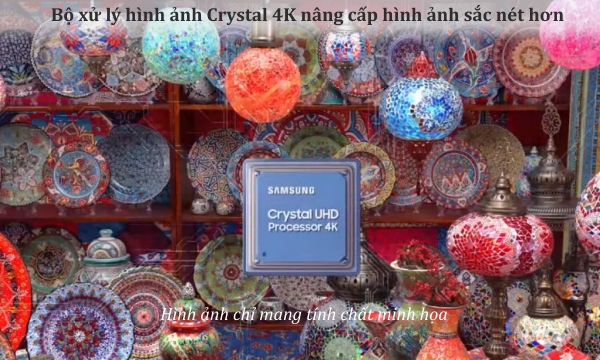
Crystal 4K processor enhances image sharpness
The Samsung 65-inch UA65DU8000KXXV lets you experience detailed 4K images and upgrades all your favorite content to 4K thanks to the Crystal 4K processor, allowing you to fully appreciate rich, lifelike color nuances.
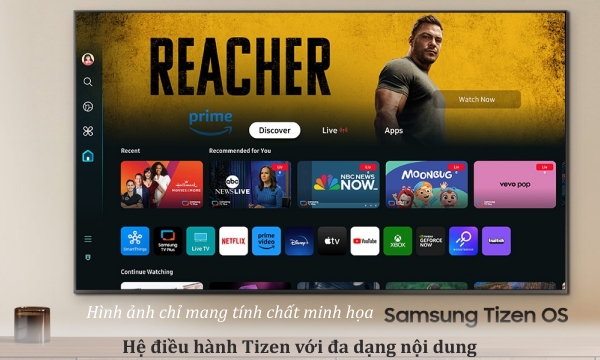
Diverse content experience with Tizen OS
The Samsung 4K 65-inch UA65DU8000KXXV uses the improved Tizen operating system with a wide range of applications, enabling you to explore and enjoy content from channels like VieON, Galaxy Play, FPT Play, ClipTV, TV360, VTVcab ON, and more.
Endless color spectrum with Dynamic Crystal Color
The UA65DU8000KXXV immerses viewers in visuals with one billion pure, vivid colors thanks to Dynamic Crystal Color technology, which finely conveys subtle color transitions, allowing you to enjoy every nuance.

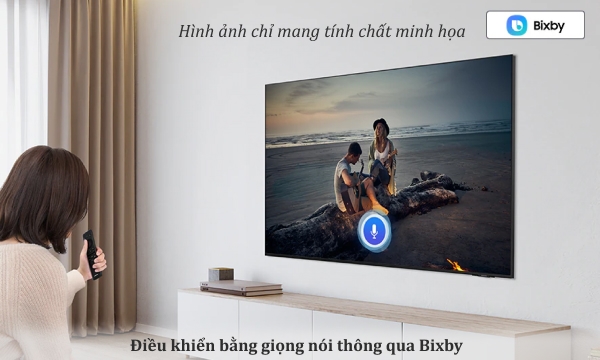
Voice control via Bixby
Control the TV using the Bixby voice assistant, which supports Vietnamese, making it convenient to search quickly and easily, providing a hands-free viewing experience while you focus on other tasks.
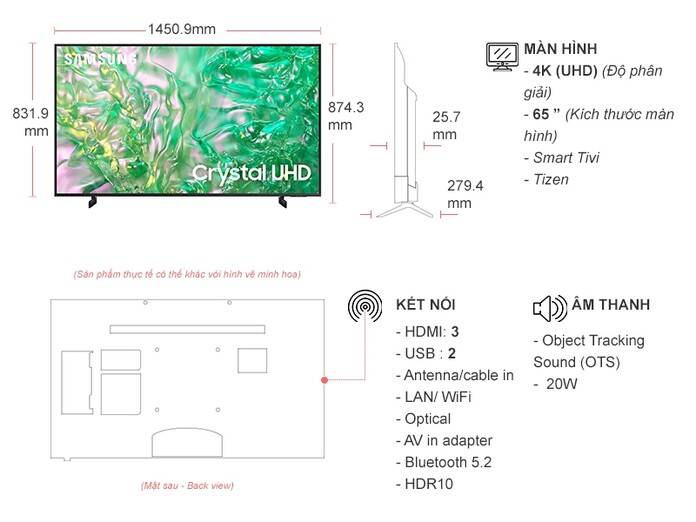
| Category | Specifications |
|---|---|
| Model | UA65DU8000KXXV |
| TV Type | Smart TV Crystal UHD 4K |
| Release Year | 2025 |
| Screen Size | 65 inch |
| Resolution | 4K UHD (3840 x 2160) |
| Processor | Crystal Processor 4K (2025) |
| Picture Technology | Dynamic Crystal Color, HDR10+, Contrast Enhancer, UHD Dimming |
| Refresh Rate | 60Hz – Motion Xcelerator |
| Audio Technology | Object Tracking Sound Lite, Adaptive Sound, Dolby Digital Plus |
| Speaker System | 2.0 channels – total 20W |
| Operating System | Tizen OS 2025 |
| Remote | TM2360E (SolarCell – light-powered) |
| Voice Assistant | Google Assistant, Bixby, Alexa (supports Vietnamese) |
| Wireless Connectivity | Wi-Fi 5, Bluetooth 5.2 |
| Screen Casting | Tap View, Smart View, AirPlay 2 |
| Ports | HDMI x3, USB x2, LAN, Optical, RF, HDMI ARC |
| Smart Home Compatibility | Yes – Samsung SmartThings |
| Dimensions (without stand) | 1450 x 831 x 26 mm |
| Dimensions (with stand) | 1450 x 869 x 279 mm |
| Weight | ~20.2 kg (without stand), ~20.8 kg (with stand) |
| Origin | Vietnam |
A. Setup and Power On
TV Installation
Wall mount: Use a VESA 400 x 300 mm standard bracket.
Tabletop: Attach the stand according to the instructions (positions marked A–B).
Place the TV in a dry, well-ventilated area, avoiding direct sunlight.
Power Connection and Turning On
Plug the power cord into a grounded outlet.
Turn on the TV using the power button on the remote or the bottom edge of the TV.
Follow the on-screen instructions to select language, region, and network connection.
B. Software & Account Setup
Connect to Wi-Fi or LAN
Go to Settings > Network > Wireless Network → select your network and enter the password.
Or plug in a LAN cable into the RJ45 port for a wired connection.
Samsung Account Login
Log in to sync apps, use SmartThings, and receive software updates.
Software Update
Go to Settings > Support > Software Update → select “Auto Update.”
C. Using Smart Features
Install Entertainment Apps
Open “Apps” → select YouTube, Netflix, FPT Play, VieON, Galaxy Play…
Voice Search in Vietnamese
Press the microphone button on the remote → say commands such as “Open YouTube,” “Find action movies…”
You can also change channels, adjust volume, or ask for weather information.
Wireless Screen Casting
Android: Use Tap View (tap phone to TV edge) or Smart View.
iPhone/iPad: Open Control Center → AirPlay → select the TV name.
External Speaker Connection
Connect a soundbar via HDMI ARC or Bluetooth.
Use Q-Symphony to synchronize TV audio with the Samsung soundbar.
Smart Home Control
Open SmartThings → add devices such as air conditioners, washing machines, sensors…
Control devices via the TV or remotely through your phone.
D. Maintenance & Cleaning
Turn off the TV and unplug before cleaning.
Wipe the screen and TV body with a soft, dry cloth.
Do not use chemicals or glass cleaners; do not spray directly on the screen.
Place the TV in a dry, ventilated area; avoid placing heavy objects on the remote or screen.
We will contact and send a quote based on the information you provide!






.webp)