
Chat Face

Chat Zalo

Phone

Office equipment, IT, telecom devices.
Technology development equipment
Industrial automation equipment
Components and accessories for electric vehicles
Measuring instruments
Home Appliances


Contact support for detailed quote: Hotline: 0386365636 - Mr.Sơn
Buy at Vina Connect Showroom See directions
Samsung UA70U8000F TV Design
Modern and Luxurious Design
Inspired by aircraft design, the Samsung Crystal UHD UA70U8000F 4K 70-Inch TV features a sleek metal body and slim bezels, expanding the viewing area for an immersive and vivid visual experience.
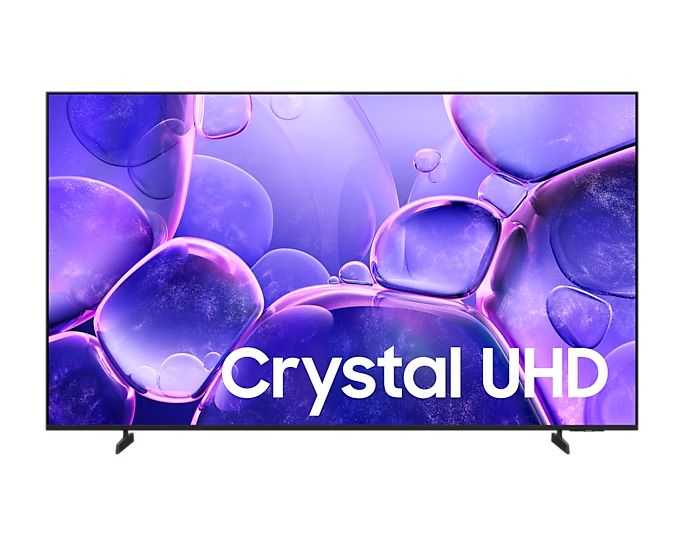
The BASIC FEET stand provides stable support when placed on a cabinet. For a cleaner setup, the TV can also be wall-mounted, maintaining aesthetic appeal and maximizing space.
Superior Picture and Sound Technology
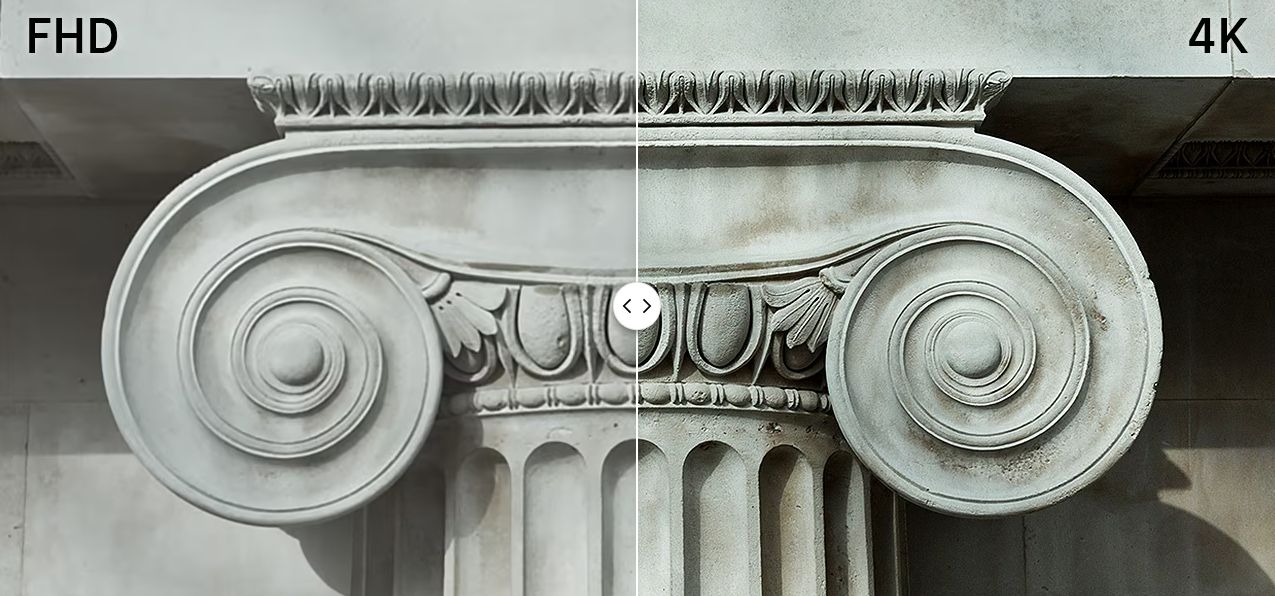
4K Resolution for Sharp, Exceptional Images
Equipped with a wide 4K display, the Samsung UA70U8000F delivers sharp, lifelike images.
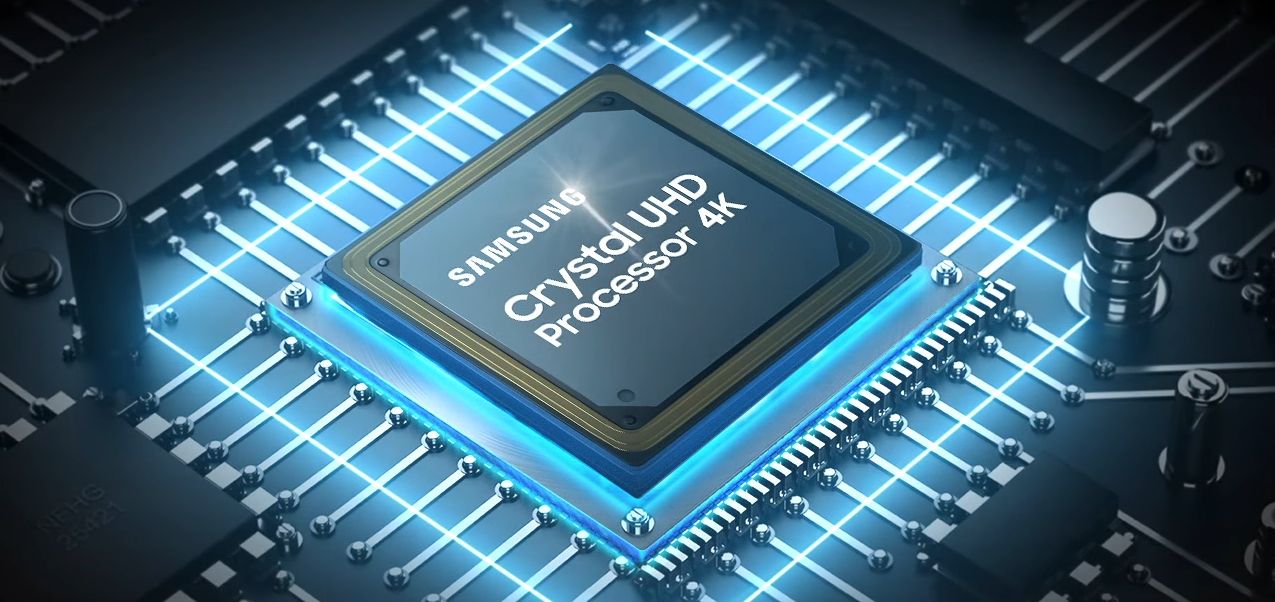
Crystal 4K Processor Enhances Image and Sound
The advanced Crystal 4K processor upgrades content to 4K quality, ensuring sharp visuals with true-to-life colors.
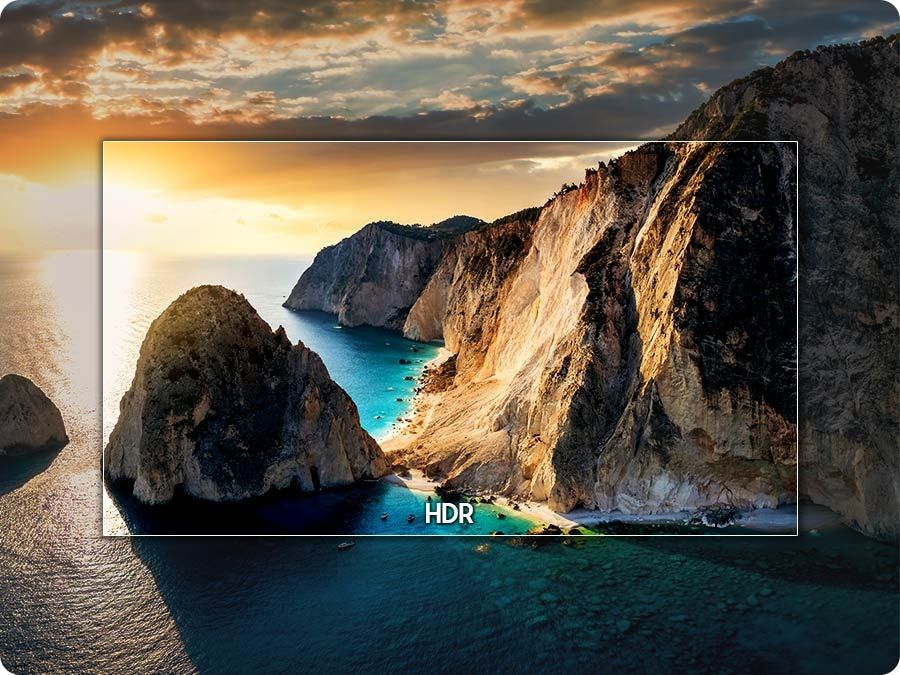
HDR Technology for Detailed, Realistic Images
HDR enhances the contrast between the brightest and darkest areas, providing a wider color range and sharp details
 .
.
Enjoy High-Quality Content with 4K Upscaling
4K upscaling technology elevates all content to high-quality 4K, delivering an impressive and vibrant entertainment experience.

PurColor Technology
PurColor displays a wide range of colors for the most natural and realistic viewing experience.
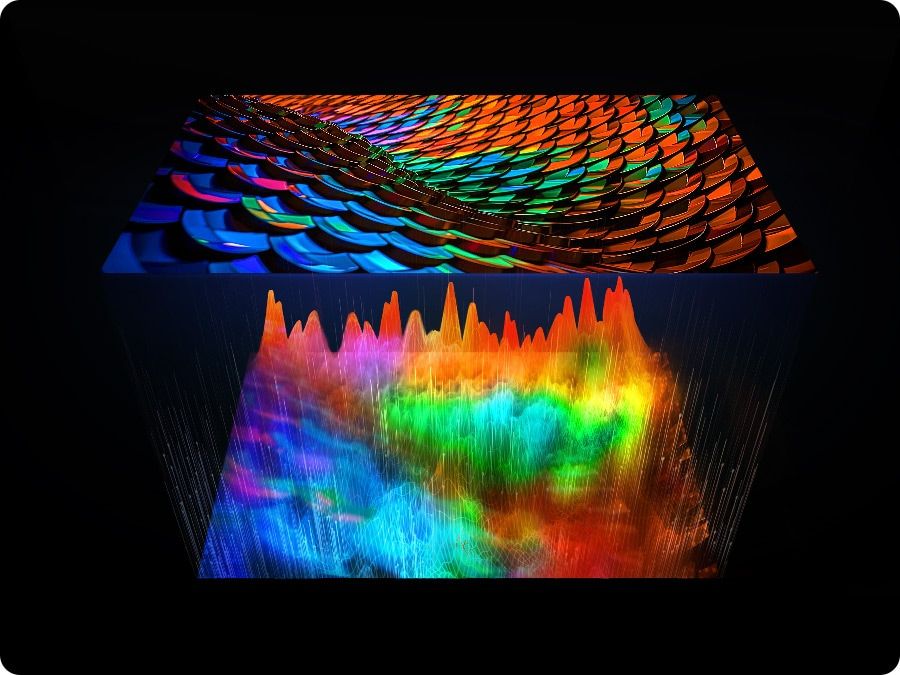
Contrast Enhancer for Lifelike Images
Contrast Enhancer adds depth and vividness by adjusting contrast dynamically for superior image quality.
Motion Xcelerator Technology for Smooth Motion
Motion Xcelerator predicts and estimates motion between frames, ensuring clear and smooth visuals even in fast-paced sports or action games.
Immersive, Powerful Sound
20W 2CH Speakers for Enhanced Entertainment
The UA70U8000F is equipped with 20W 2-channel speakers, providing a rich and immersive sound experience
 .
.
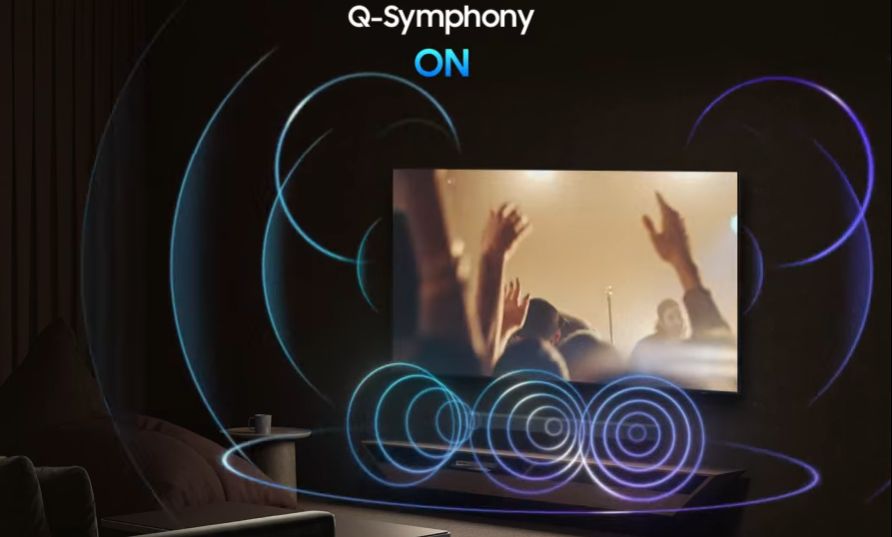
Q-Symphony Technology for Premium Sound
Q-Symphony synchronizes TV and soundbar speakers for a premium audio experience, delivering rich and realistic sound.
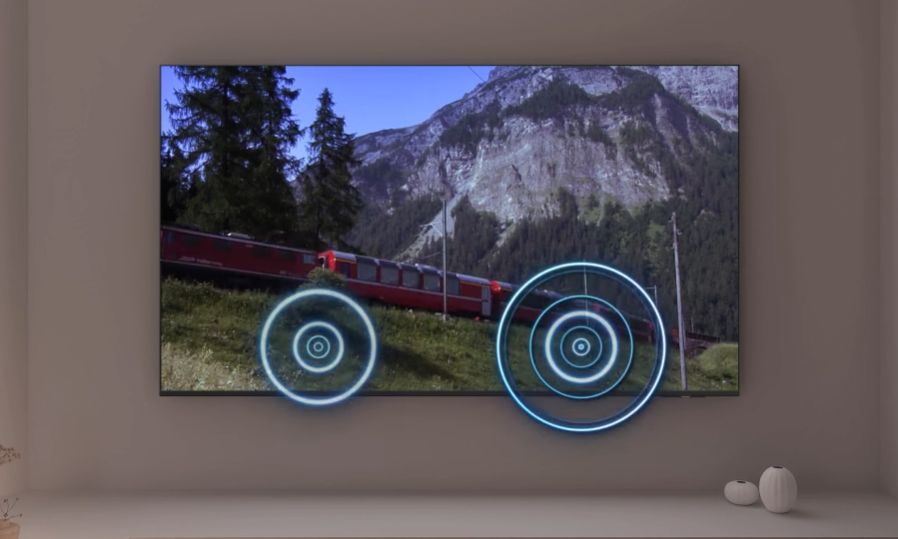
OTS Lite for 3D Sound
OTS Lite combines dynamic visuals with simulated 3D audio for a cinema-like sound experience.
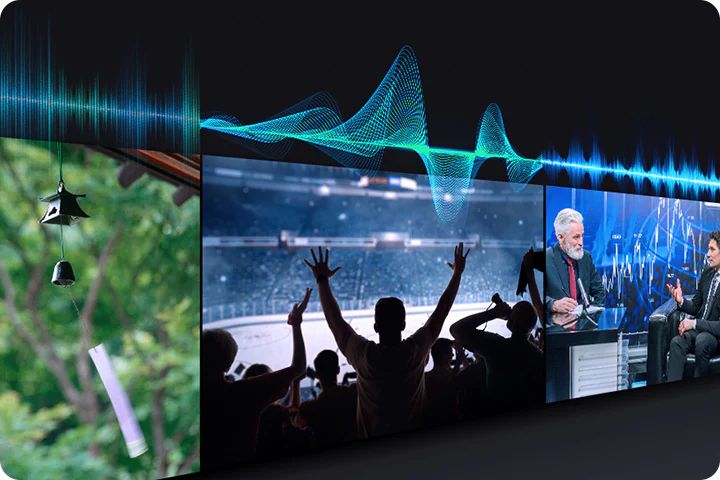
Adaptive Sound Technology
Adaptive Sound uses AI to optimize audio based on scene analysis in real time, creating a fully immersive and realistic soundscape.
One UI Tizen – Personalized User Experience
Advanced Operating System with Rich App Store
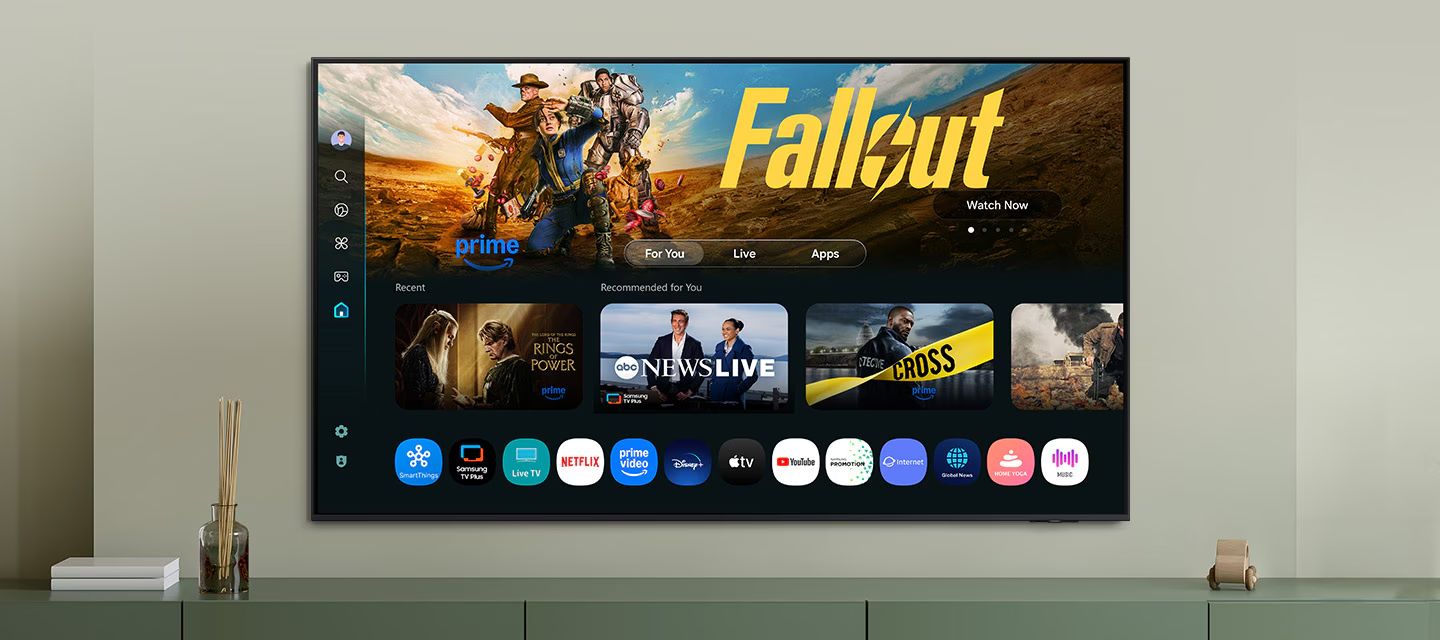
Samsung UA70U8000F runs on One UI Tizen, featuring a smart interface and a rich app library, catering to diverse user needs.
One UI Tizen allows quick access to favorite content, convenient AI management, and high security. It offers a seamless experience across all Samsung devices and will continue receiving updates for the next 7 years.
Other Features

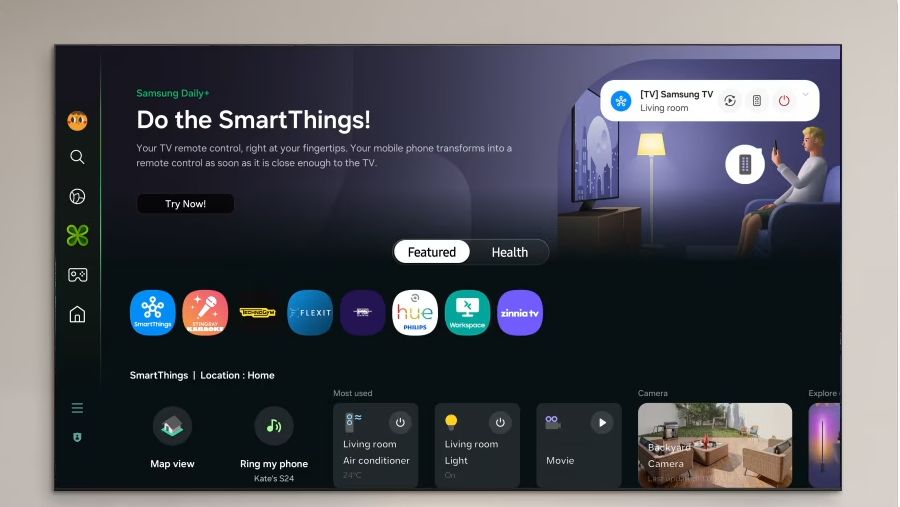
SmartThings App for Smart Home Management
Connect and control smart home devices directly from the TV, compatible with Matter and HCA. Notifications and 3D map views allow easy monitoring of all connected devices.
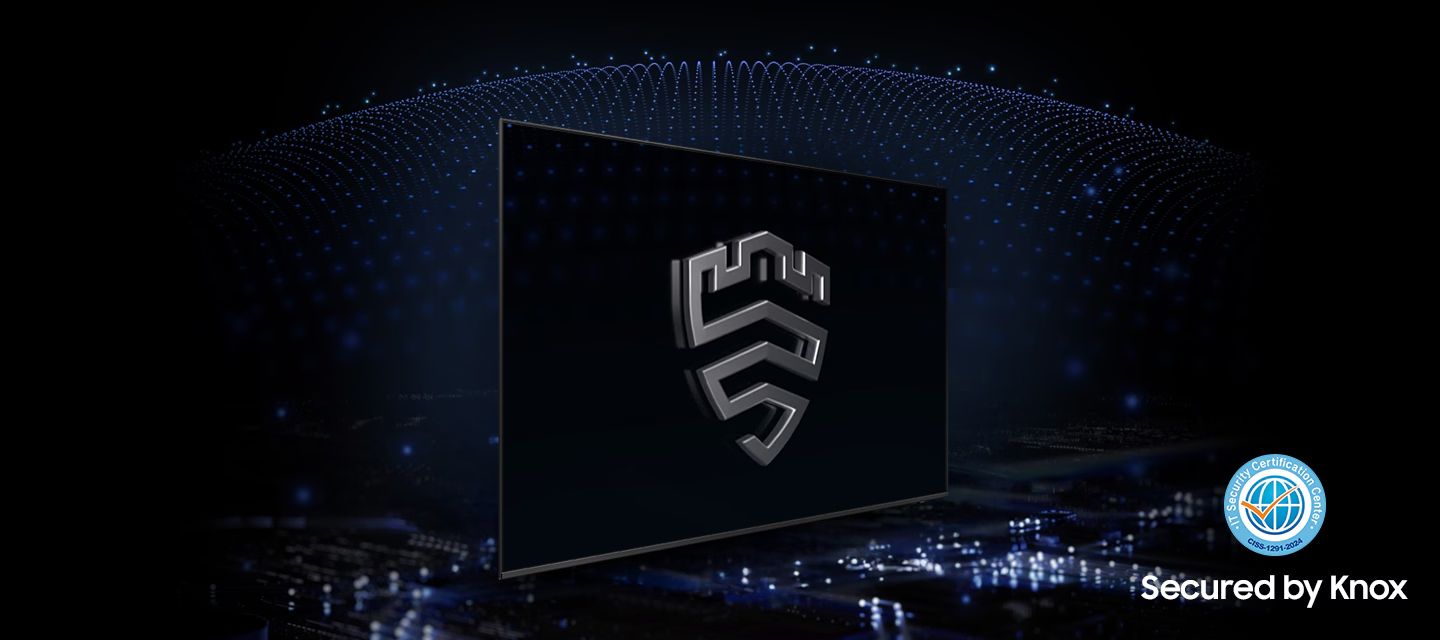
Samsung Knox Security for Personal Data Protection
Samsung Knox ensures personal data, passwords, and connected IoT devices are fully protected against malicious apps and websites.
Samsung Daily+ for Lifestyle Management
Samsung Daily+ helps manage daily activities and access SmartThings, Workout Tracker, and other utilities conveniently.
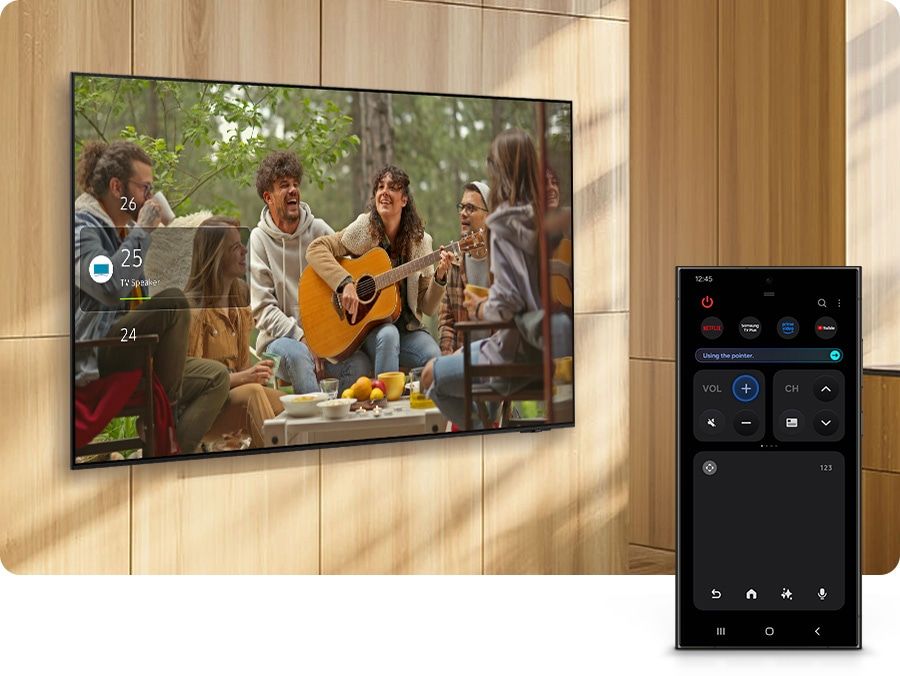
Quick Remote – Control TV with Your Phone
Quick Remote allows easy control of images, utilities, standby modes, menus, and volume directly from a smartphone.
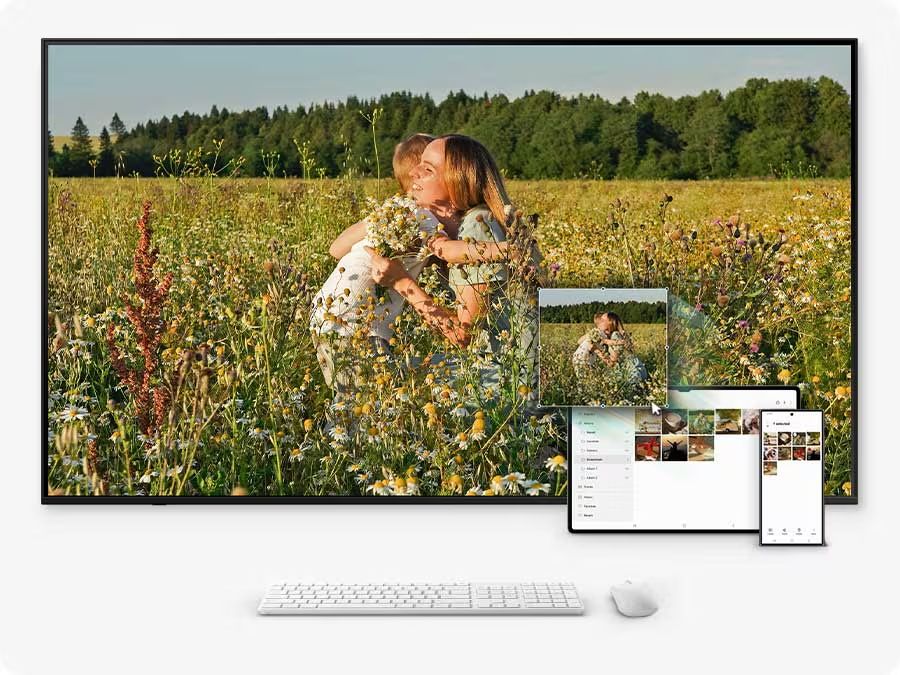
Multi-Screen Multitasking with Mouse or Keyboard
Move content across screens or enter information using a single mouse or keyboard connected to multiple devices.
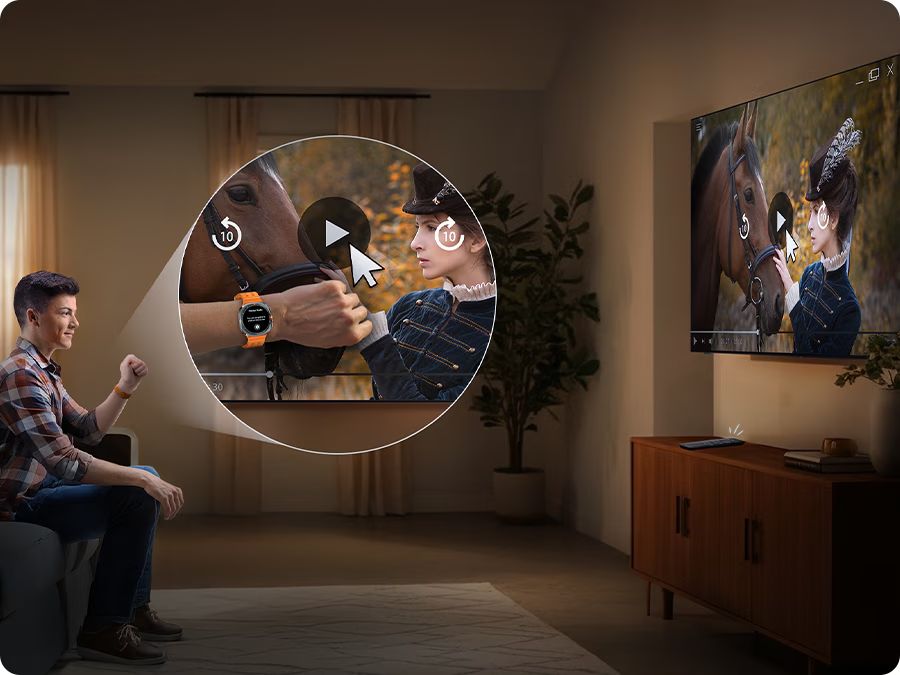
Universal Gestures – Control via Smartwatch
Use gestures on your Galaxy Watch to control the TV, like pinching to select or wrist movements to play/pause content.
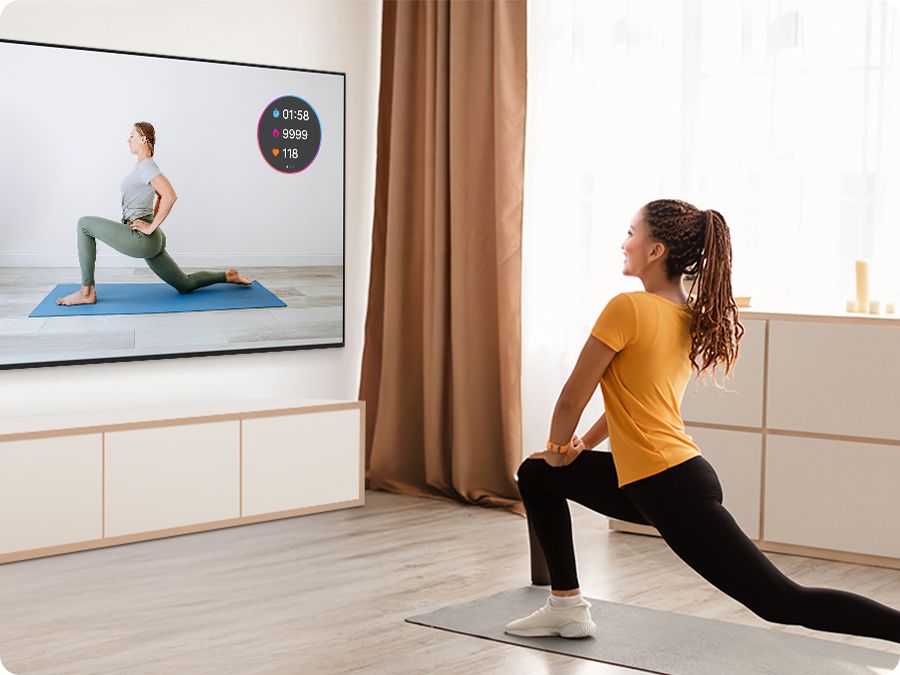
Workout Tracker Mode
Displays exercise data from your fitness devices while showing content on two screens simultaneously.
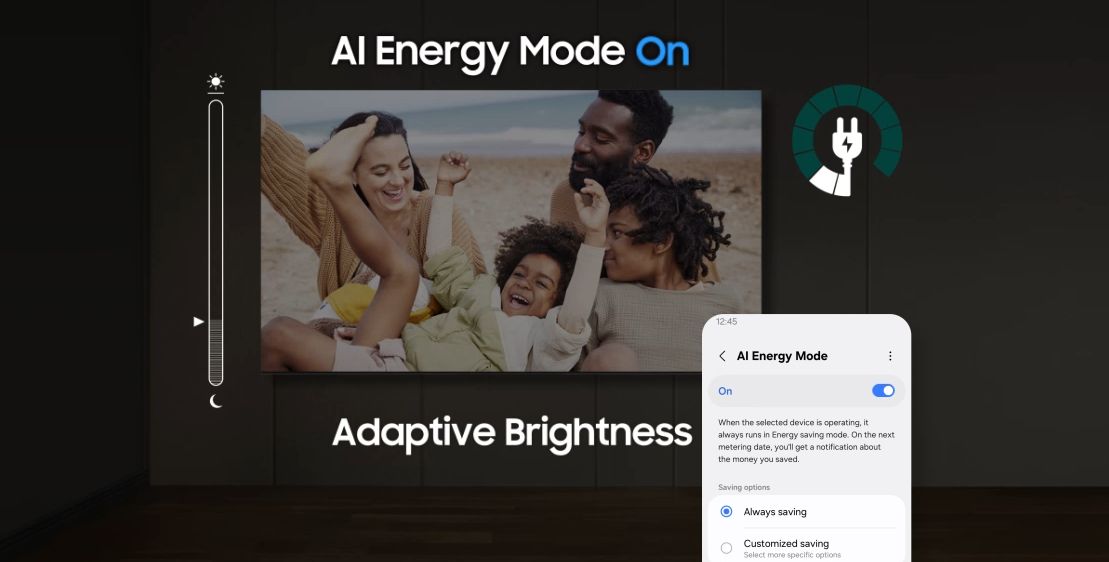
AI Energy Saving Mode
AI Energy mode automatically adjusts brightness based on room lighting and user activity, reducing power consumption and saving energy.
Specification Table – Samsung UA70U8000F
| Category | Details |
|---|---|
| Model | UA70U8000F |
| TV Type | Smart TV Crystal UHD 4K |
| Screen Size | 70 inch |
| Resolution | 4K UHD (3840 x 2160) |
| Release Year | 2025 |
| Processor | Crystal Processor 4K |
| Display Technology | PurColor, HDR10+, UHD Dimming, Contrast Enhancer |
| Refresh Rate | 60Hz – Motion Xcelerator |
| Operating System | Tizen OS 2025 |
| Audio | Dolby Digital Plus, OTS Lite, Q-Symphony |
| Speaker Output | 20W (2 channels) |
| Remote | TM2360E – SolarCell Remote (solar charging) |
| Voice Assistants | Bixby, Google Assistant, Alexa (supports Vietnamese) |
| Wireless Connectivity | Wi-Fi 5, Bluetooth 5.2 |
| Screen Casting | Tap View, Smart View, AirPlay 2 |
| Ports | HDMI x3 (1 eARC), USB x1, LAN, Optical, RF |
| Smart Home Integration | Yes – SmartThings, supports Matter |
| Dimensions (without stand) | 1578.5 x 905.6 x 26.6 mm |
| Dimensions (with stand) | 1578.5 x 962.7 x 332.6 mm |
| Weight | ~28.1 kg (without stand), ~29.8 kg (with stand) |
| Origin | Vietnam |
| Warranty | 24 months nationwide official warranty |
A. Installation – Initial Setup
Installation:
Can be wall-mounted (VESA 400x300 mm) or placed on a table using the stand.
Avoid placing near windows or heat-emitting devices.
First-time Setup:
Connect to power → turn on the TV → select language, Wi-Fi/LAN network → sign in to Samsung Account.
Update software if available: Settings > Support > Software Update.
B. Using Smart Features
Screen Casting from Phone:
Android: Tap View, Smart View.
iPhone/iPad: AirPlay 2.
Vietnamese Voice Search:
Press the mic button on the remote → give commands like: “Increase volume”, “Open YouTube”…
Supports Bixby, Google Assistant, Alexa.
Popular Apps:
Tizen Store includes YouTube, Netflix, FPT Play, Galaxy Play, Spotify…
Connecting External Devices:
HDMI x3, USB x1, LAN, Optical, Bluetooth 5.2.
Supports wireless headphones, external speakers, keyboard, mouse…
Smart Home Control:
Use the SmartThings app to manage IoT devices like air conditioners, lights, sensors…
C. Maintenance – Cleaning
Wipe the screen with a soft, dry cloth. Do not use chemicals or pour water directly.
Unplug the TV when not in use for long periods to prevent electrical issues.
We will contact and send a quote based on the information you provide!





.webp)