
Chat Face

Chat Zalo

Phone

Office equipment, IT, telecom devices.
Technology development equipment
Industrial automation equipment
Components and accessories for electric vehicles
Measuring instruments
Home Appliances


Contact support for detailed quote: Hotline: 0386365636 - Mr.Sơn
Buy at Vina Connect Showroom See directions
Samsung UA75CU8000 – Ultra-Slim 75-Inch Design
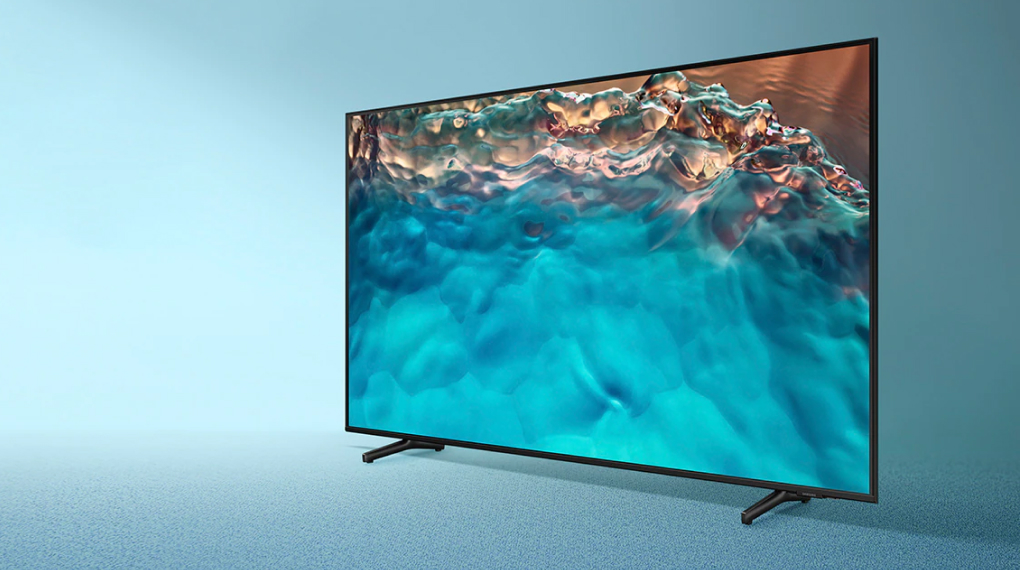
The UA75CU8000 features an ultra-slim design with a large 75-inch screen.
This Smart 4K Samsung TV combines a sleek, thin bezel that highlights content elegantly and provides a luxurious, refined look. The large screen ensures users enjoy an immersive viewing experience.
The TV’s design is delicate and lightweight, with a sturdy plastic stand to support the TV securely.
The stand can be detached for wall mounting, allowing the TV to appear like a large piece of artwork, making your living space more modern and dynamic.
Its simple, versatile design allows the Samsung UA75CU8000 to fit harmoniously in any room of the house.
Vivid Picture Technology – 4K Resolution
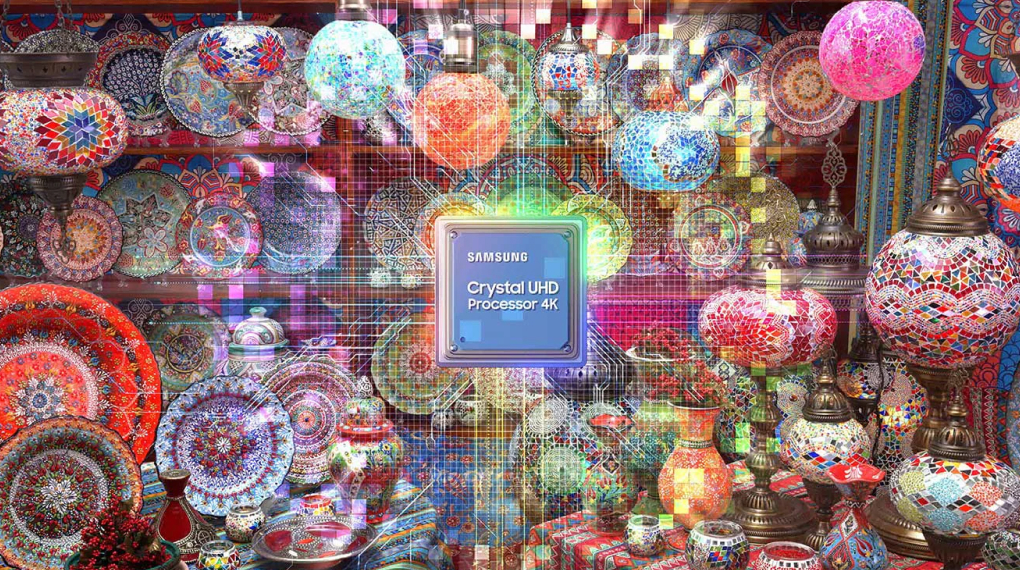
With 4K resolution, the UA75CU8000 delivers realistic, vibrant images with over 8 million pixels for sharp detail.
The Crystal 4K processor upgrades non-4K content to near-4K quality, enhancing clarity and reproducing colors and textures accurately.
HDR10 technology improves contrast and detail, delivering vivid, sharp images with perfect depth.
Motion Xcelerator combined with the 4K 60Hz screen ensures smooth, fluid motion, ideal for fast-moving scenes.
Contrast Enhancer automatically adjusts image contrast, providing a more immersive and realistic viewing experience.
Immersive Sound Technology
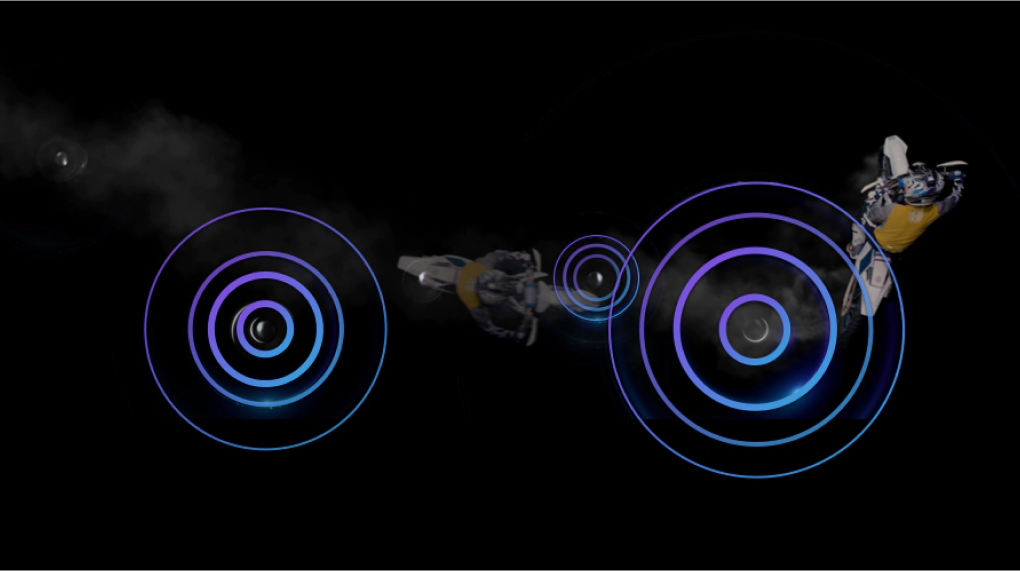
The TV has a total speaker output of 20W.
Q-Symphony technology seamlessly synchronizes the TV speakers with a Samsung soundbar, creating a rich and immersive audio experience.
Adaptive Sound optimizes audio based on the type of content being played.
OTS Lite (Object Tracking Sound Lite) allows sound to move along with the on-screen action, delivering a 3D surround sound experience similar to a cinema.
Tizen™ OS – Intuitive and Easy to Use
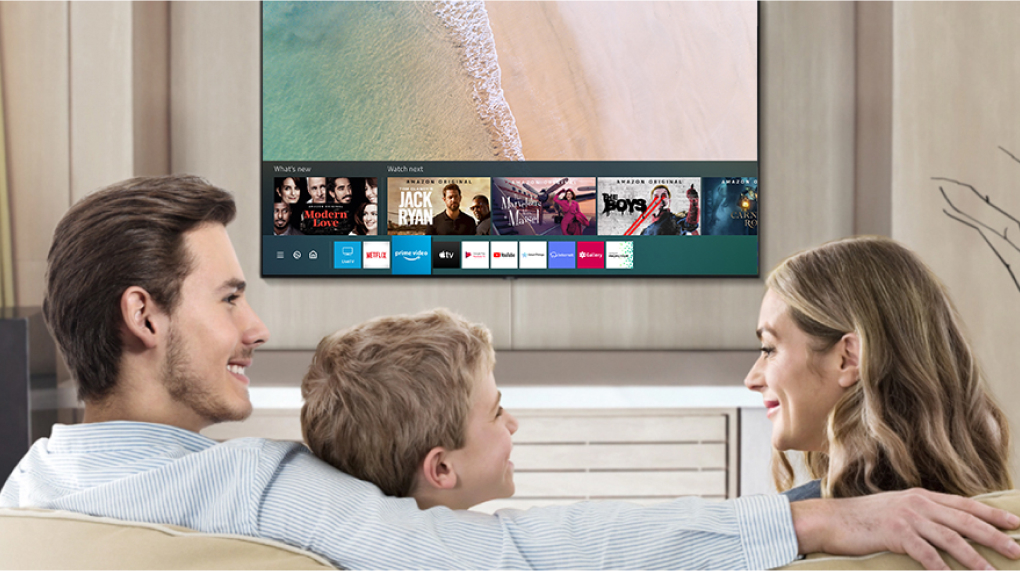
The 2023 UA75CU8000 runs Tizen™ OS, offering a user-friendly interface suitable for all family members.
It provides a rich variety of applications to satisfy all entertainment needs, including Netflix, Spotify, YouTube, My TV, Galaxy Play (films), FPT Play, POPS Kids, and web browsing.
Smart Features & Connectivity
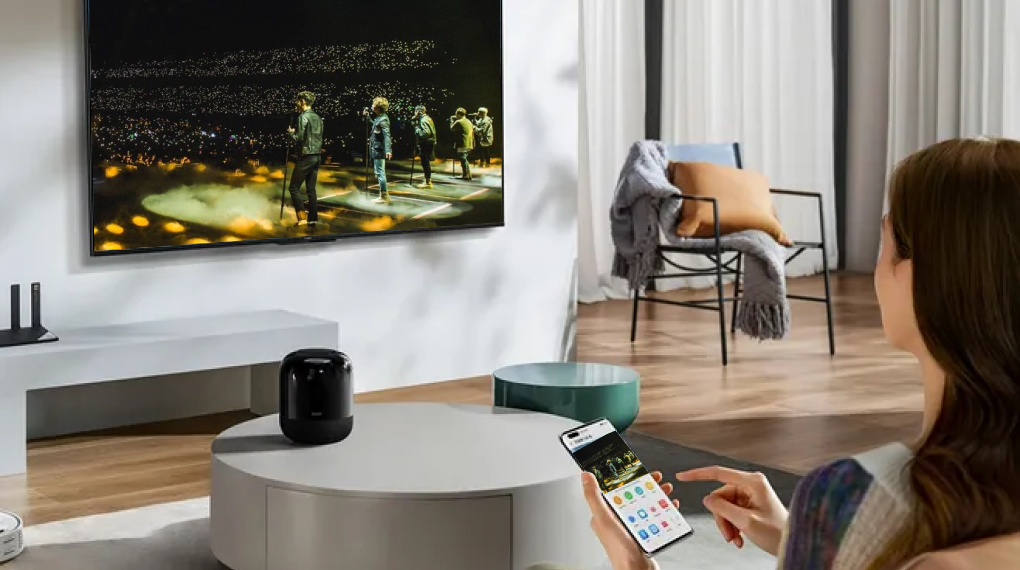
Google Assistant with Vietnamese support allows easy voice commands, including searching YouTube in Vietnamese.
AirPlay 2 (iPhone), Screen Mirroring (Android), and Tap View enable effortless screen sharing from your phone to the TV.
SmartThings integration allows you to control smart home devices such as speakers, air conditioners, and washing machines directly from your smartphone.
| Category | Detailed Specifications |
|---|---|
| Model | UA75CU8000KXXV |
| TV Type | Smart TV Crystal UHD 4K |
| Screen Size | 75 inch |
| Resolution | 4K UHD (3840 x 2160) |
| Release Year | 2023 |
| Processor | Crystal Processor 4K |
| Picture Technology | Dynamic Crystal Color, HDR10+, Contrast Enhancer, UHD Dimming |
| Refresh Rate | 60Hz – Motion Xcelerator |
| Operating System | Tizen OS |
| Audio | Object Tracking Sound Lite, Adaptive Sound, Dolby Digital Plus |
| Speaker System | 2.0 channels – total 20W |
| Remote | TM2360E (SolarCell – solar charging) |
| Voice Assistants | Google Assistant, Bixby, Alexa (supports Vietnamese) |
| Wireless Connectivity | Wi-Fi 5, Bluetooth 5.2 |
| Phone Screen Sharing | Tap View, Smart View, AirPlay 2 |
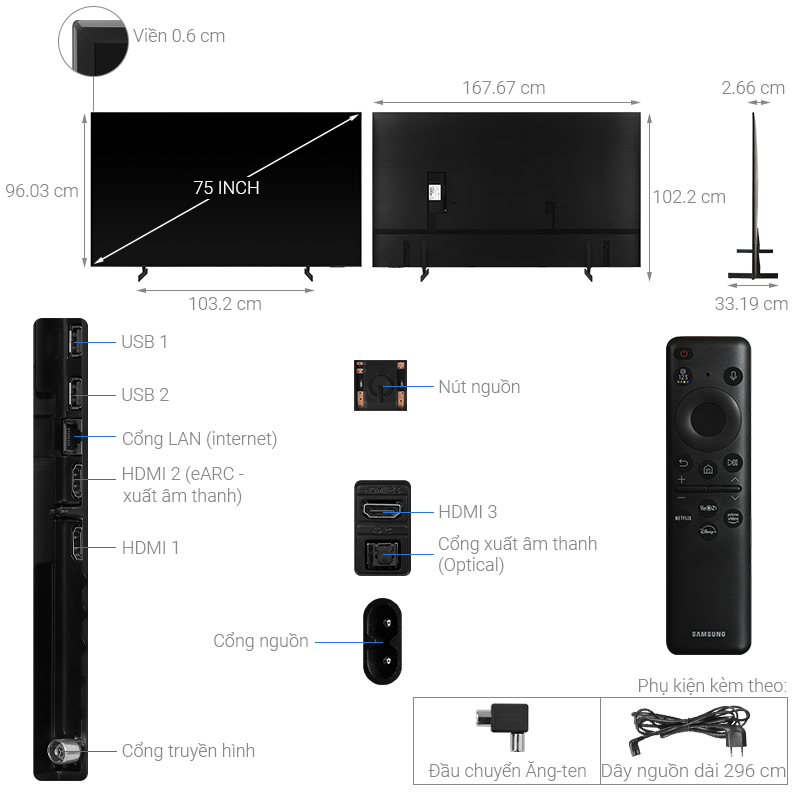
| Ports | HDMI x3, USB x2, LAN, Optical, RF |
| Smart Home Compatibility | Yes – Samsung SmartThings |
| Dimensions (without stand) | 1677 x 960 x 26 mm |
| Dimensions (with stand) | 1677 x 1014 x 341 mm |
| Weight | ~30.5 kg (without stand), ~31.3 kg (with stand) |
| Origin | Vietnam |
A. Setup – Initial Connection
Installation
Wall mount: use VESA 400x400 mm standard.
Table placement: attach the stand following the instructions included in the box.
Powering on the TV
Plug the power cord into a safe outlet.
Turn on the TV using the power button or the SolarCell remote.
Follow the on-screen instructions to select language and connect to the network.
Internet connection
Wi-Fi: go to Settings > Network > Wireless → enter Wi-Fi password.
Or connect an Ethernet cable to the RJ45 port.
Samsung Account login
Sign in or create a new account to use SmartThings, save settings, and download apps.
Software update
Go to Settings > Support > Software Update > Update Now to get the latest features.
B. Using Smart Features
Installing apps
Access "Apps" to install applications such as YouTube, Netflix, Galaxy Play, VieON, FPT Play…
Voice control
Press the microphone button on the remote → speak commands like: "Increase volume," "Open YouTube," "Find animated movies"…
Phone screen sharing
Android: Tap View (tap your phone lightly on the TV) or Smart View.
iOS: AirPlay 2 → open Control Center → select the TV to mirror the screen.
External device connection
HDMI: set-top box, PS5, soundbar…
Bluetooth: wireless speakers, headphones…
USB: movies, music, photos from a hard drive.
Smart home control
Open the SmartThings app → add the TV and other devices: air conditioner, lights, washing machine…
Manage and control remotely via smartphone.
C. Cleaning – Maintenance
Cleaning: Use a soft, dry cloth; do not spray water directly on the screen.
Turn off when not in use: Unplug the TV for long-term non-use to extend its lifespan.
Periodic check: Go to Settings > Support > Self Diagnosis to check the TV’s status.
We will contact and send a quote based on the information you provide!





.webp)