
Chat Face

Chat Zalo

Phone

Office equipment, IT, telecom devices.
Technology development equipment
Industrial automation equipment
Components and accessories for electric vehicles
Measuring instruments
Home Appliances


Powered by the AI NQ4 Gen2 Processor, it enhances both picture and sound in real time using advanced artificial intelligence.
4K UHD resolution combined with a true 120Hz refresh rate and Motion Xcelerator Turbo+ ensures ultra-smooth visuals for fast-paced action and gaming.
Delivers sharp detail and outstanding contrast thanks to Quantum Matrix, HDR10+, and Real Depth Enhancer technologies.
Immersive Dolby Atmos, OTS Lite, and Q-Symphony audio recreate realistic 3D sound that follows on-screen movement.
Runs on Tizen OS 2025, offering a user-friendly interface, an extensive app store, and Vietnamese voice control.
Comes with an eco-friendly SolarCell Remote, rechargeable via light — eliminating the need for disposable batteries.
Integrated SmartThings platform supports wireless screen mirroring and convenient smart home control.
Contact support for detailed quote: Hotline: 0386365636 - Mr.Sơn
Buy at Vina Connect Showroom See directions
Samsung Neo QLED 4K 65-inch Smart TV QA65QN85D stands out with its ultra-slim design and exceptional 4K picture quality. Powered by Quantum Matrix and Neo Quantum HDR technologies, it reproduces every image detail with precision. In addition, Dolby Atmos and OTS audio deliver immersive sound, while convenient Bixby voice control (with Vietnamese support) enhances ease of use.
The Samsung TV features a slim, refined design that brings elegance and harmony to your living space.
The 65-inch display size is ideal for large rooms.
A center-mounted L-shaped stand ensures stability and balance. Alternatively, the TV can be wall-mounted for a more open, minimalist setup.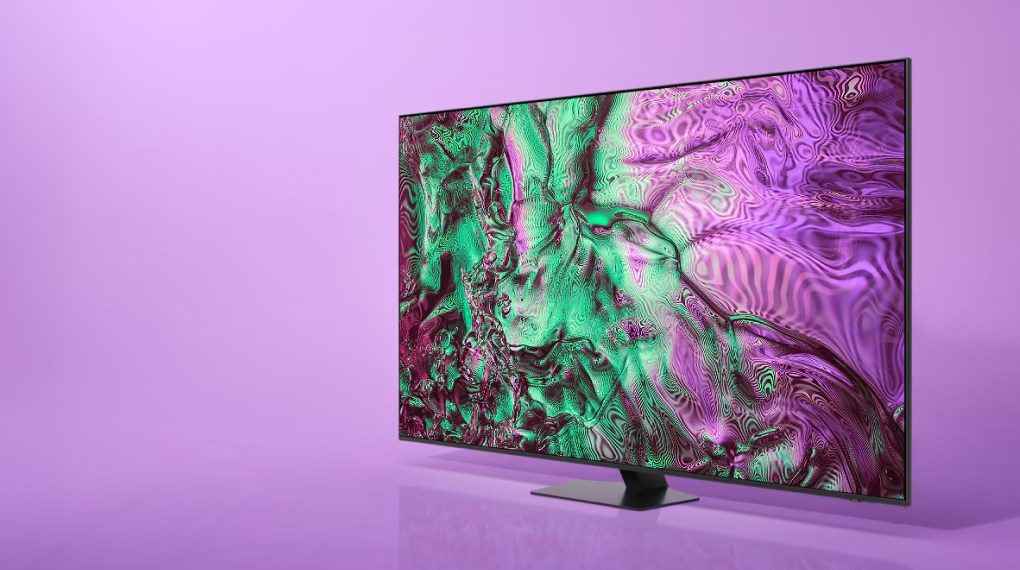
Equipped with 8 million pixels, the Neo QLED display delivers crisp, detailed 4K resolution visuals.
The AI NQ4 Gen2 processor upscales content to near-perfect 4K quality using advanced neural networks.
Quantum Matrix Technology enhances contrast, achieving pure blacks and bright whites for stunning image depth.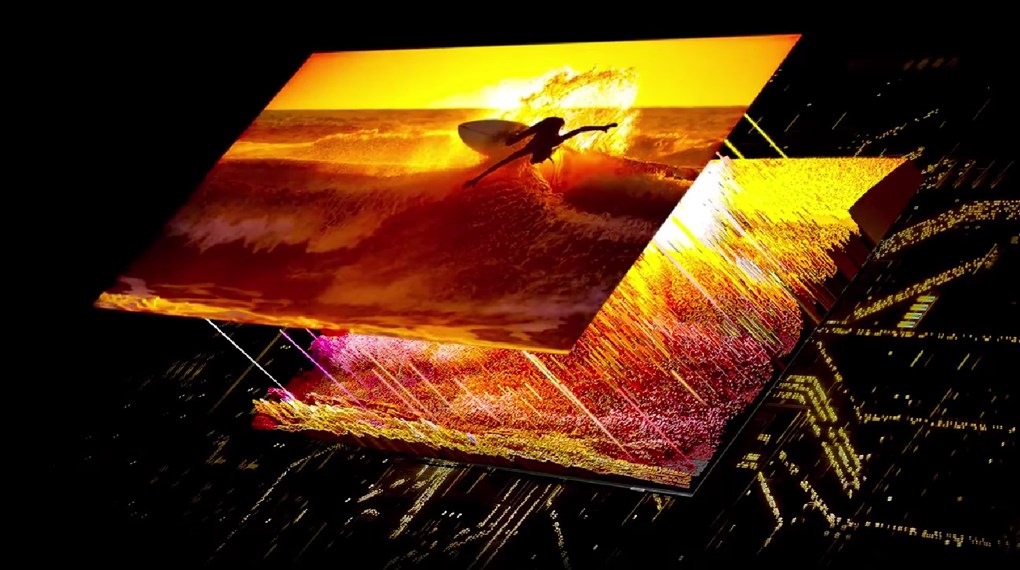
Neo Quantum HDR allows you to enjoy flawless 4K visuals with remarkable detail and brightness.
AI HDR Remastering upgrades SDR content to HDR, making colors more vivid and details more striking.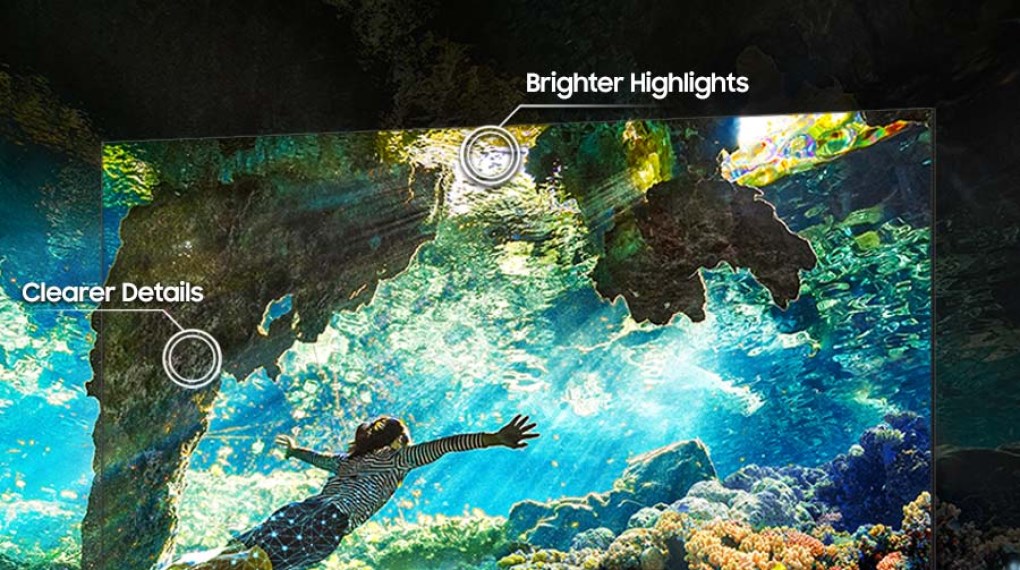
Wide Viewing Angle maintains accurate color reproduction even when viewed from off-center positions.
Motion Xcelerator delivers smooth motion at a 120Hz refresh rate, ideal for fast-moving scenes and sports.
FreeSync Premium Pro optimizes gaming performance with realistic HDR visuals and low input lag.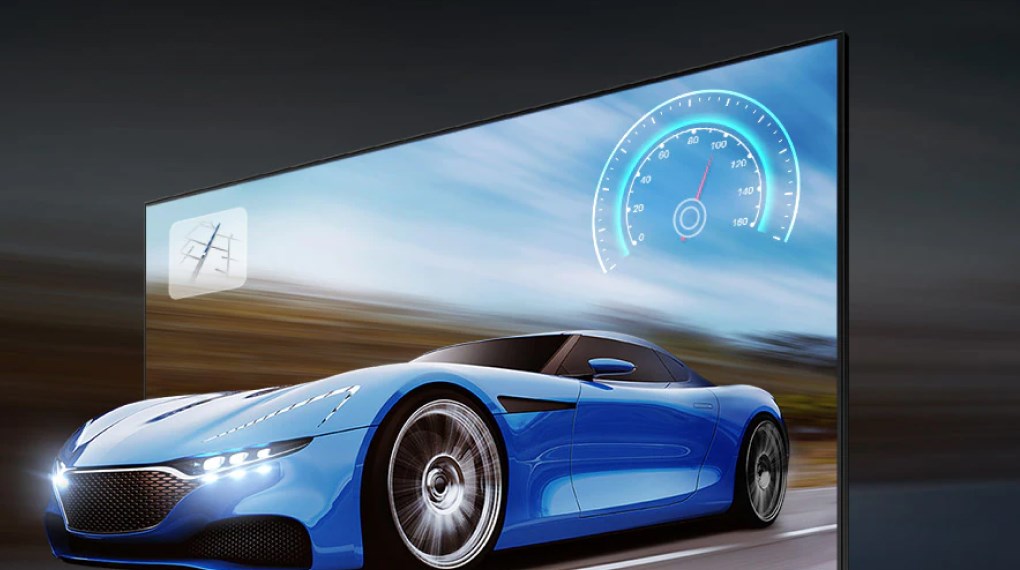
The TV’s 40W speaker system produces powerful, clear sound.
Dolby Atmos and Object Tracking Sound (OTS) create immersive surround audio that follows on-screen motion.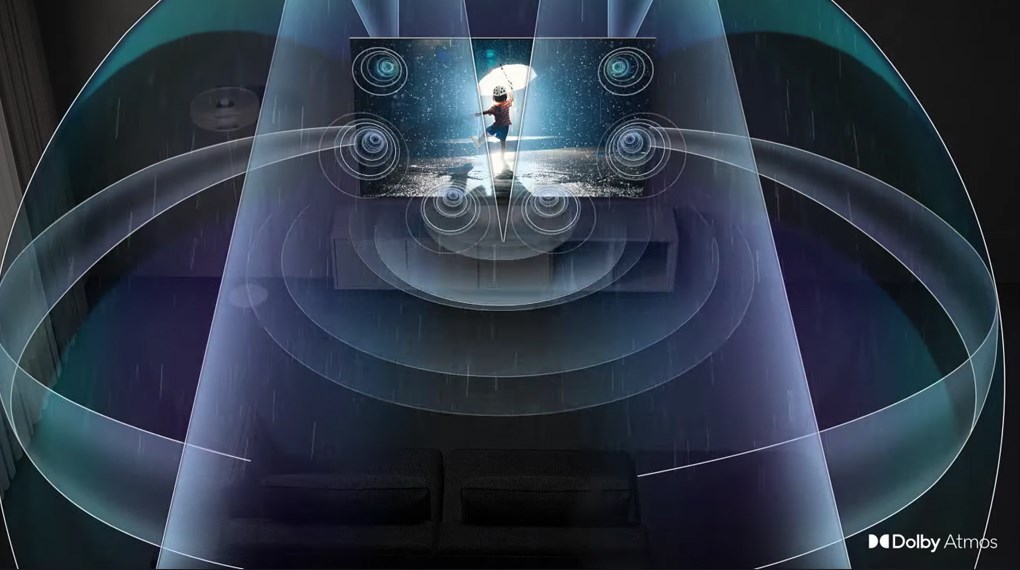
Active Voice Amplifier enhances dialogue clarity by adjusting sound levels in noisy environments.
Q-Symphony Next, powered by AI, harmonizes the TV speakers with compatible Samsung soundbars to deliver a rich, synchronized sound experience.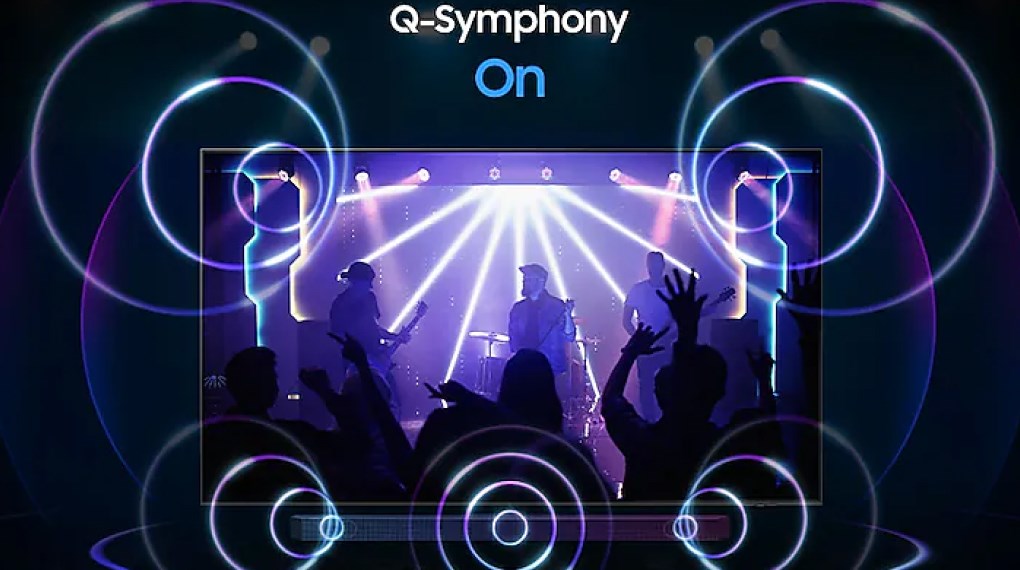
Runs on Tizen™ OS with a modern, well-organized interface, making it easy to explore and access your favorite content.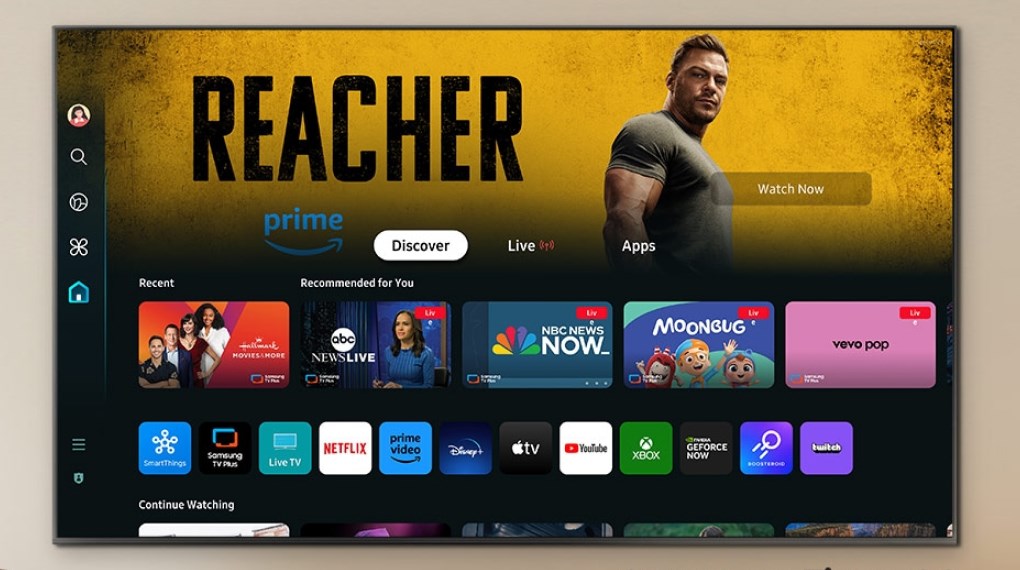
Supports Bixby with Vietnamese voice control, enabling hands-free operation.
Multi View allows you to watch multiple contents from different sources simultaneously.
AirPlay 2 support enables seamless screen mirroring from iPhone and iPad devices.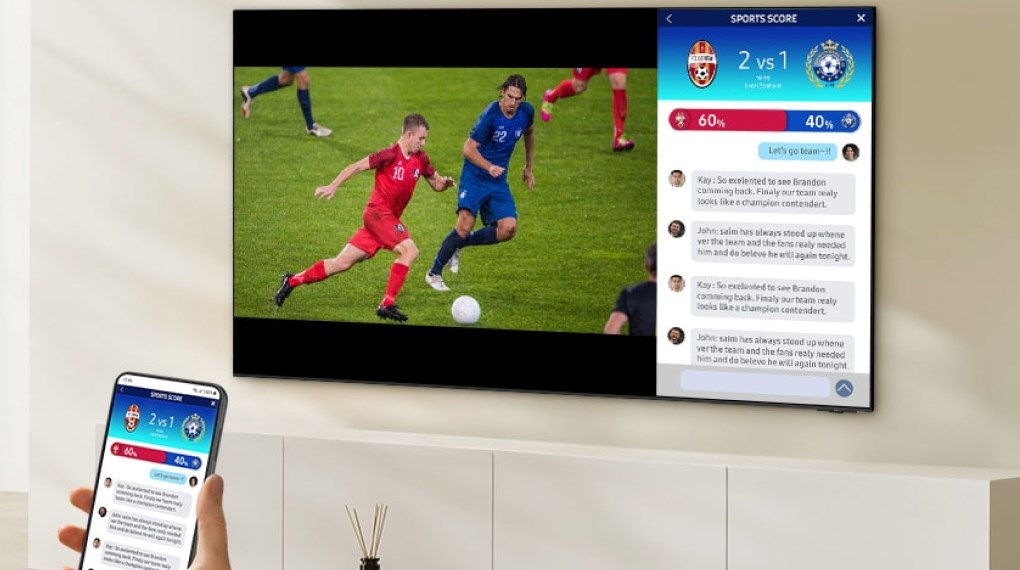
The Samsung Neo QLED 4K 65-inch Smart TV QA65QN85D delivers a truly immersive viewing experience with lifelike 4K visuals, vibrant contrast from Quantum Matrix technology, and rich Dolby Atmos sound. Combined with Tizen OS, smart features like voice control, and versatile viewing options, it’s an exceptional choice for a premium home entertainment setup.
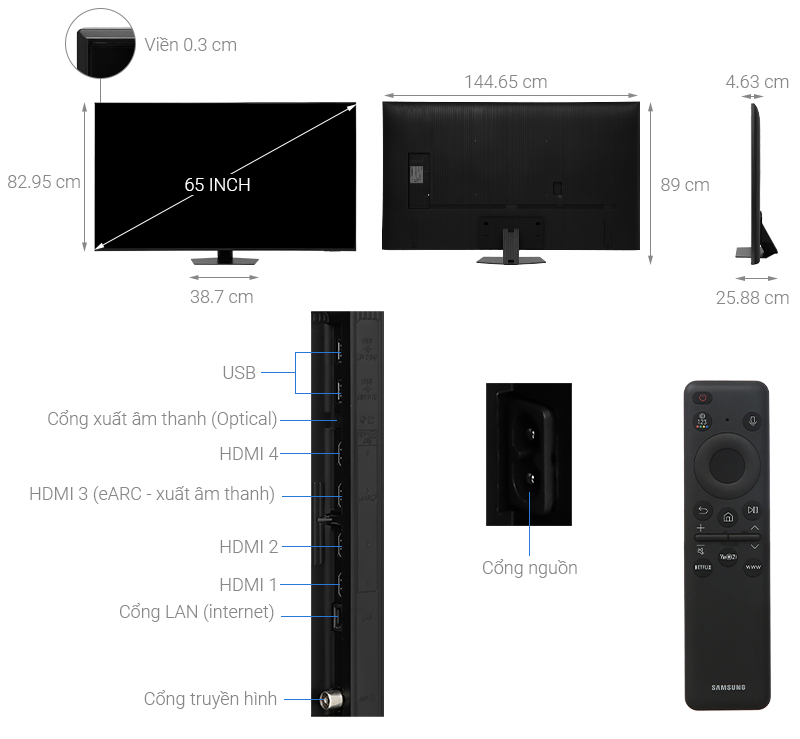
| Category | Specifications |
|---|---|
| Model | QA65QN85DAKXXV |
| TV Type | Smart Neo QLED AI 4K |
| Screen Size | 65 inch |
| Resolution | 4K UHD (3840 x 2160) |
| Release Year | 2025 |
| Panel Type | Neo QLED – Mini LED backlight |
| Processor | NQ4 AI Gen2 – Neural Quantum Processor 4K Gen 2 |
| Refresh Rate | 120Hz – Motion Xcelerator Turbo+ |
| Display Technology | Quantum Matrix, HDR10+, Supreme UHD Dimming, Real Depth Enhancer |
| Operating System | Tizen OS 2025 |
| Audio Technology | Dolby Atmos, OTS Lite, Adaptive Sound+, Q-Symphony |
| Speaker Power | 40W (2.2 channels) |
| Remote | TM2360E – SolarCell, charged by light |
| Voice Assistants | Google Assistant, Bixby, Amazon Alexa (supports Vietnamese) |
| Wireless Connectivity | Wi-Fi 5, Bluetooth 5.2 |
| Screen Mirroring | Tap View, Smart View, AirPlay 2 |
| Ports | HDMI x4 (with eARC), USB x2, LAN, Optical, RF |
| SmartThings Support | Yes – compatible with Matter and Thread |
| Dimensions (without stand) | 1446 x 829 x 27.2 mm |
| Dimensions (with stand) | 1446 x 894 x 285.7 mm |
| Weight | ~22.9 kg (without stand), ~24.4 kg (with stand) |
| Made In | Vietnam |
| Warranty | 24 months nationwide official warranty |
A. Initial Setup
Installation:
Can be wall-mounted (VESA 400x300 mm) or placed on a stable surface using the stand.
Avoid placing near heat sources, direct sunlight, or humid areas.
Connection and Configuration:
Plug in the TV and turn it on using the remote or the power button on the TV.
Select the language (supports Vietnamese), and connect to Wi-Fi or LAN.
Sign in to your Samsung Account to access all Smart TV features.
Software Update:
Go to Settings > Support > Software Update to ensure the system is always up to date and stable.
Wireless Screen Casting:
Android: Use Tap View (tap your phone on the TV) or Smart View.
iOS: Use AirPlay 2 from iPhone/iPad to mirror the screen.
Voice Search & Control:
Press the microphone button on the remote → speak naturally in Vietnamese: “Open YouTube”, “Find action movies”…
Supports Bixby, Google Assistant, Alexa.
Downloading and Using Apps:
Access the “Apps” section to download Netflix, YouTube, Galaxy Play, VieON, Spotify, FPT Play…
Surround Sound & Soundbar Connection:
Connect a Samsung soundbar via Bluetooth or HDMI eARC.
Enable Q-Symphony to synchronize the TV and soundbar speakers for immersive 3D sound.
Smart Home Control with SmartThings:
Install the SmartThings app on your phone → connect the TV with devices such as lights, air conditioners, or robot vacuums.
Screen Cleaning:
Turn off the TV and use a soft, dry cloth to remove dust.
Do not use chemicals or spray water directly on the screen.
Storage & Care:
Unplug the TV when not in use for long periods.
Avoid placing heavy objects on the screen or TV surface.
We will contact and send a quote based on the information you provide!





.webp)