
Chat Face

Chat Zalo

Phone

Office equipment, IT, telecom devices.
Technology development equipment
Industrial automation equipment
Components and accessories for electric vehicles
Measuring instruments
Home Appliances


Short Description:
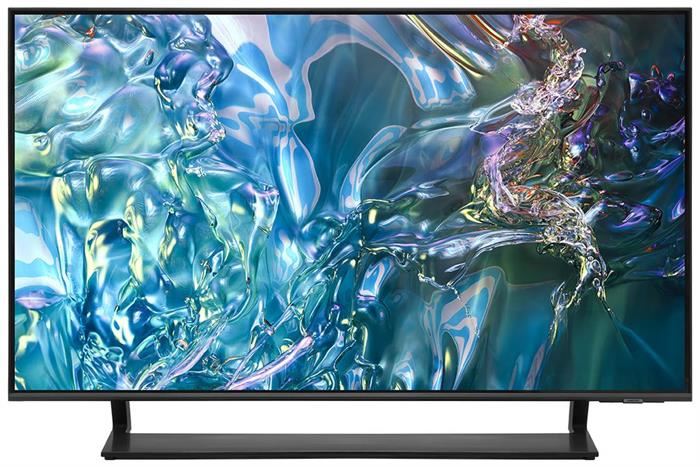
The Samsung QLED 4K Smart TV QA43Q65D is a premium 43‑inch television that blends elegant design with vivid QLED picture quality and smart functionality. It offers a sleek, ultra‑slim profile, rich color reproduction, and an intuitive smart experience — ideal for any modern living space.
Key Features:
QLED display with Quantum Dot technology, delivering 100% color volume for vibrant, true‑to‑life colors. (Samsung India)
4K UHD resolution (3840×2160) ensures detailed, sharp images that are four times clearer than Full HD. (Samsung India)
Upscaling engine (Quantum Processor Lite 4K) enhances non‑4K content to near‑4K quality for better clarity. (LCDTVTHAILAND)
Smart Tizen OS platform provides access to streaming apps, voice control, and smart home connectivity. (Elechid)
Premium audio experience with Object Tracking Sound (OTS) and Q‑Symphony compatibility for immersive sound that follows on‑screen action. (Samsung India)
Ultra‑slim “AirSlim” design with narrow bezels offers a clean, modern look that fits any décor. (avvalue.com)
Game‑friendly features like Motion Xcelerator and Auto Low Latency Mode (ALLM) help deliver smooth performance and reduced lag for gaming. (Websosanh.vn - So sánh mua rẻ)
Contact support for detailed quote: Hotline: 0386365636 - Mr.Sơn
Buy at Vina Connect Showroom See directions
QLED 4K Masterpiece Defining Television Excellence
The Samsung 4K QLED Smart TV 43 inch QA43Q65TAKXXV is a premium QLED television from Samsung. This TV features a minimalist design with three ultra-thin bezels, highlighting modern elegance within your living space. The 43-inch Samsung QLED Smart TV comes with a V-shaped stand that provides firm support on any flat surface, allowing you to enjoy stunning visuals with greater impact.

4K Resolution for Crisp and Clear Images
The Samsung 4K QLED Smart TV 43 inch QA43Q65TAKXXV offers 4K resolution, reproducing sharp and detailed images, delivering visually captivating cinematic experiences. In addition, the TV is equipped with Dual LED backlight technology that automatically adjusts color tones according to the displayed content, providing the smoothest and most lifelike viewing experience.
Quantum Dot Technology
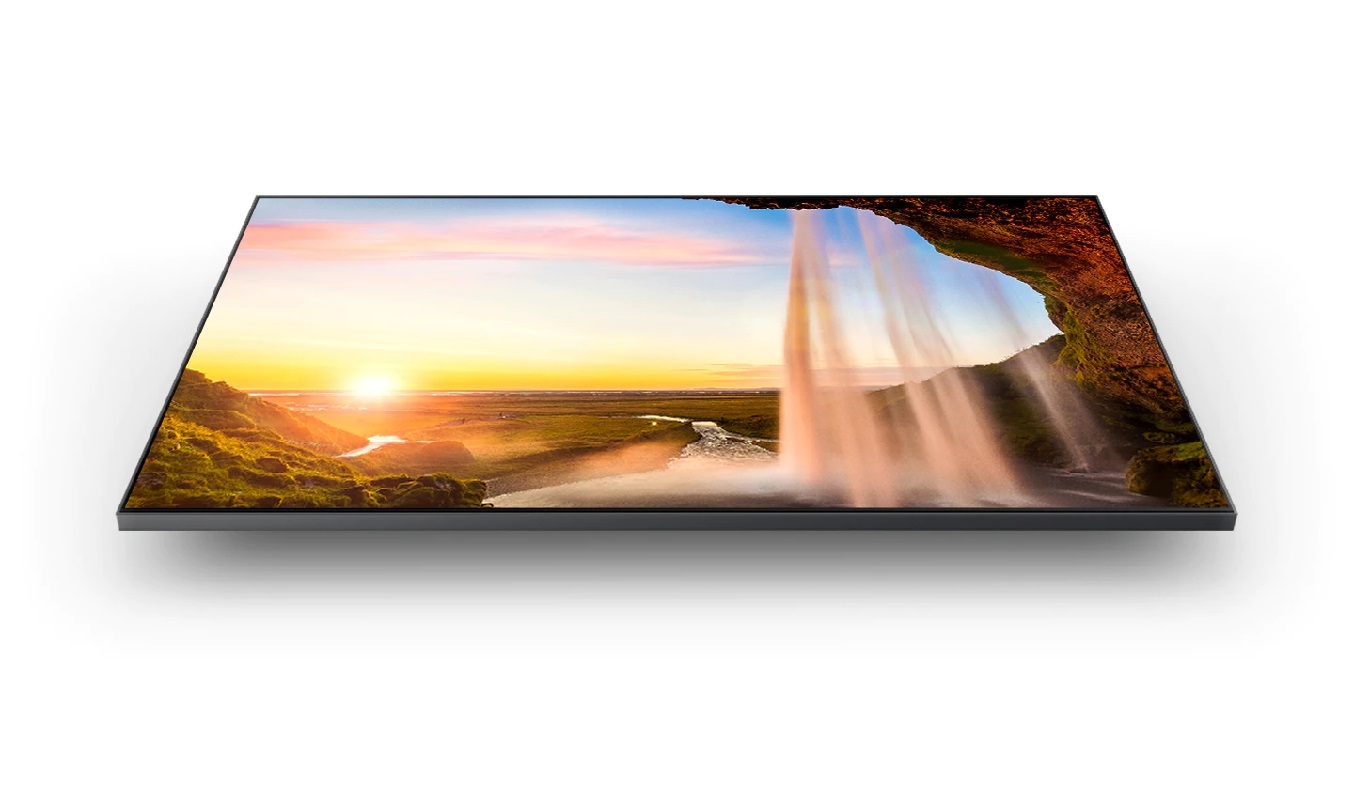
The Samsung QLED TV integrates Quantum Dot technology, enabling the display of 100% color volume with absolute accuracy at all brightness levels, allowing you to enjoy top-tier image quality.

Quantum HDR Technology
The TV incorporates Quantum HDR technology, delivering an exceptional visual experience with superior detail and contrast. HDR10+ enhances deep blacks and pure whites, immersing you in a breathtakingly vivid world of imagery.

Quantum Lite Processor
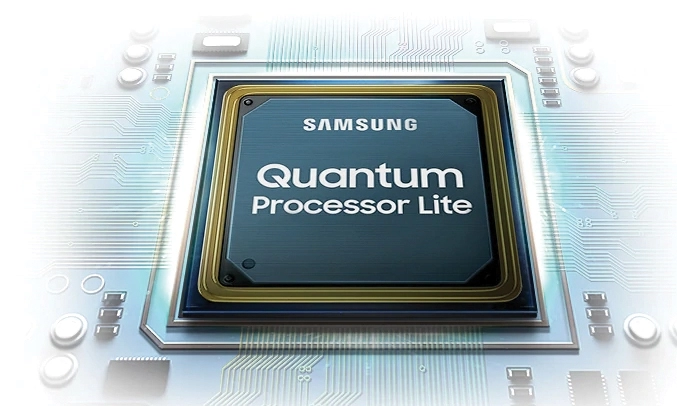
The 43-inch Samsung TV is equipped with the Quantum Lite processor, which automatically adjusts image colors, optimizes contrast ratios, and enhances dynamic color ranges.
Smart Hub & One Remote
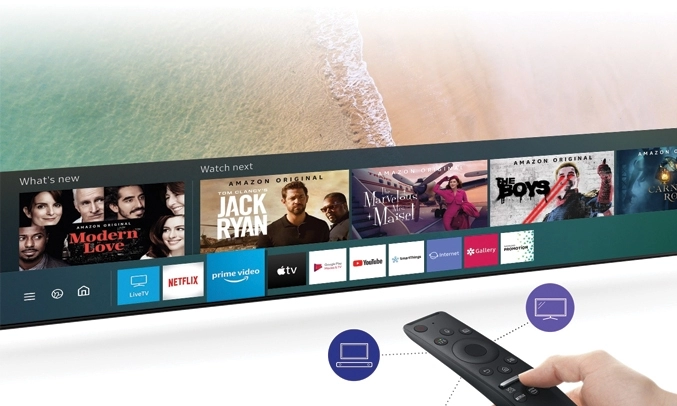
The 43-inch Samsung QLED TV allows you to access millions of content options easily with the One Remote Control—a universal remote that simplifies finding content, entertainment applications, and live TV programs. Furthermore, you can use voice commands for quick searches.
Intelligent Ecosystem
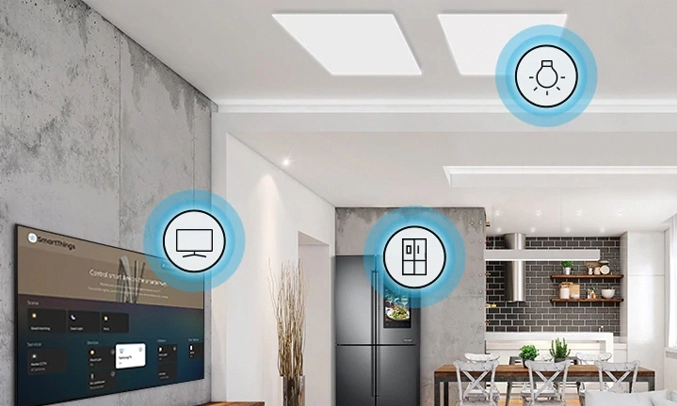
The 43-inch Samsung 4K QLED Smart TV belongs to Samsung’s advanced ecosystem. Users can connect Samsung devices with their mobile phones via the SmartThings app, controlling all home devices conveniently without needing multiple remotes.

| Category | Detailed Specifications |
|---|---|
| Model | QA43Q65D |
| TV Type | Smart QLED 4K TV |
| Year of Release | 2025 |
| Screen Size | 43 inches |
| Resolution | 4K UHD (3840 x 2160) |
| Processor | Quantum Processor Lite 4K (2025) |
| Display Technology | Quantum Dot, Dual LED, HDR10+, Quantum HDR, Contrast Enhancer |
| Refresh Rate | 60Hz – Motion Xcelerator |
| Backlight | Dual LED – adjustable color and contrast |
| Audio Technology | Object Tracking Sound Lite, Adaptive Sound, Q-Symphony |
| Speaker Output | 20W (2.0 channel) |
| Operating System | Tizen OS 2025 |
| Remote Control | SolarCell TM2360E |
| Voice Assistants | Bixby, Google Assistant, Alexa (supports Vietnamese) |
| Wireless Connectivity | Wi-Fi 5, Bluetooth 5.2 |
| Screen Mirroring / Casting | Tap View, Smart View, AirPlay 2 |
| Ports | HDMI x3, USB x2, LAN, Optical, RF |
| Smart Home Compatibility | Yes – Samsung SmartThings |
| Dimensions (without stand) | 965 x 559 x 26 mm |
| Dimensions (with stand) | 965 x 600 x 205 mm |
| Weight | ~8.4 kg (without stand), ~8.7 kg (with stand) |
| Country of Origin | Vietnam |
Install the TV
Use the included stand and place the TV on a level, stable surface, or wall‑mount using the VESA mount standard as specified in your manual.
Ensure the location is dry, well‑ventilated, and away from direct sunlight, heat sources or high humidity.
Powering On
Plug the power cord into a properly grounded outlet.
Use the remote or power button on the TV to turn it on.
Follow the on‑screen setup: select your language, region, and connect to the internet (via Wi‑Fi or LAN).
Account & Software
Sign in or create a Samsung Account to access Smart features and app downloads.
Go to Settings > Support > Software Update to check for and install any available firmware updates for optimal performance.
Install Apps
Open the “Apps” store from the home screen and download streaming services like YouTube, Netflix, Spotify, etc.
Voice Control
Press the microphone button on the remote.
Speak natural commands in Vietnamese such as:
“Open YouTube”, “Search for action movies”, “Increase volume” etc.
You can also ask about weather, change inputs, or launch apps.
Screen Casting / Mirroring
Android: Use Tap View (tap your phone on the TV bezel) or Smart View to mirror your device.
iPhone/iPad: Use AirPlay 2 from Control Center → select the TV to mirror your screen.
Connect External Devices
HDMI: Connect game consoles, Blu‑ray players, laptops, soundbars.
USB: Plug in USB drives or external hard disks to view videos/photos or listen to music.
Bluetooth: Pair wireless headphones or speakers.
Smart Home Control
Open the SmartThings app on your mobile.
Add your TV and other smart devices (lights, AC, sensors, etc.).
Use the TV or phone to control your smart home setup seamlessly.
Cleaning
Turn off the TV and unplug it before cleaning.
Use a soft, dry cloth to wipe the screen and the body.
Do not use sprays, chemical cleaners, or apply water directly to the screen.
Long‑term use
If the TV will not be used for extended periods, unplug it to prevent power drain or damage from surges.
To maintain display quality, avoid leaving static images on the screen for long durations.
Periodically check for updates and use the “Self Diagnosis” feature under Settings if you notice any odd behaviours.
We will contact and send a quote based on the information you provide!






.webp)